Top eBook Reader Software for PC in 2024
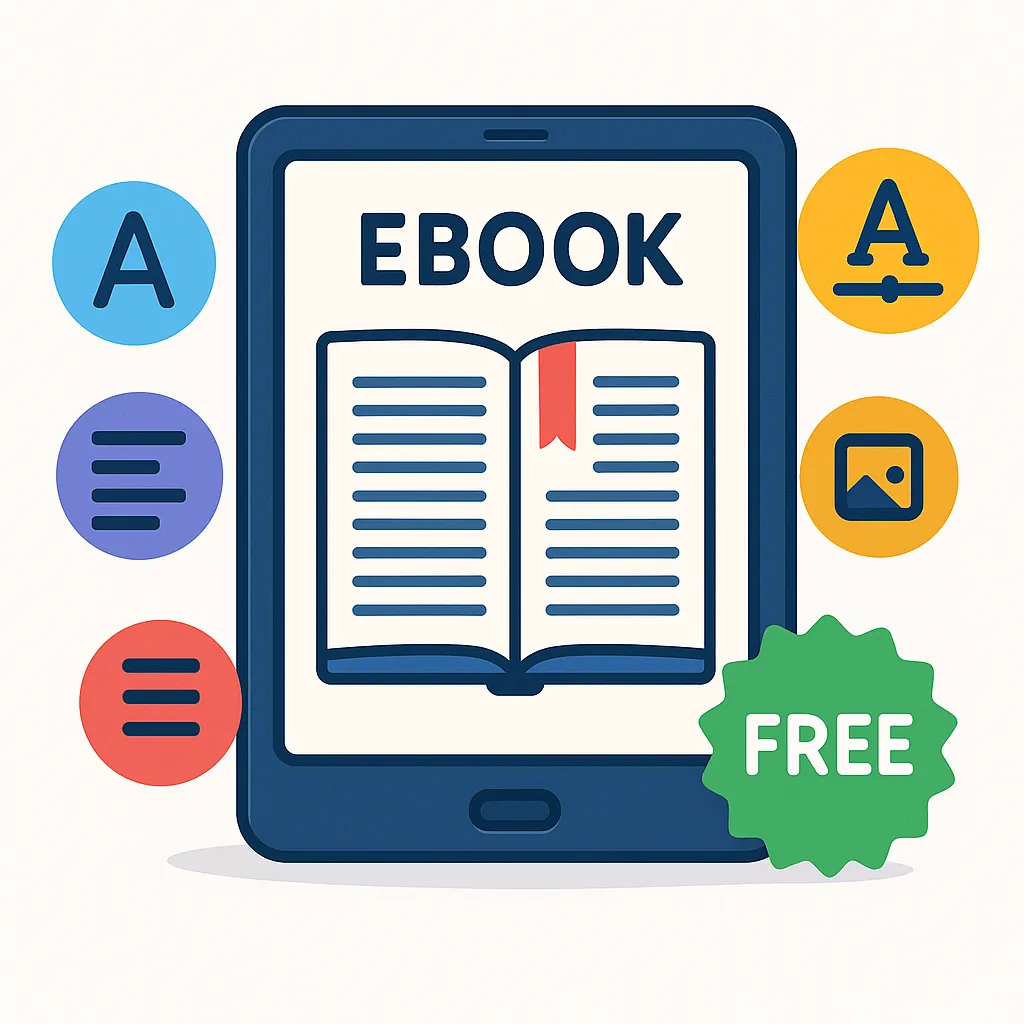
In today's digital age, eBooks have become a preferred choice for readers around the world. With the proliferation of digital content, having the right eBook reader software on your PC can significantly enhance your reading experience. Whether you are a casual reader, a student, or a professional, the software you choose can affect everything from how you organize your library to how comfortable your reading sessions are.
As we move through 2024, trends in eBook reading continue to evolve with advances in software technology, better support for diverse file formats, and enhanced customization options. This article will guide you through the key features to look for in eBook reader software and review the best options available for PC users this year.
Key Features to Look for in eBook Reader Software
Supported File Formats
One of the first considerations when choosing eBook reader software is the range of file formats it supports. The most common eBook formats include EPUB, MOBI, PDF, AZW, and TXT. Some readers also support comic book formats like CBR and CBZ. A versatile reader that handles multiple formats ensures you won’t struggle with incompatible files.
User Interface and Customization Options
The user interface (UI) plays a huge role in your reading comfort. Look for software that offers intuitive navigation, customizable fonts, adjustable brightness and background colors, and different page layouts. Features like dark mode, night reading modes, and text-to-speech can also greatly improve usability.
Annotation and Note-Taking Capabilities
For students and avid readers who like to engage deeply with texts, annotation tools are essential. Being able to highlight passages, add notes, and bookmark pages enhances interaction with your books and makes reviewing easier.
Library Management and Organization
A good eBook reader should help you organize your digital collection efficiently. Features like tagging, sorting by author or genre, smart searching, and grouping books into collections or shelves simplify library management.
Syncing Across Devices
If you read on multiple devices, syncing your progress, annotations, and bookmarks is vital. Many top eBook readers offer cloud syncing so you can pick up right where you left off, whether on your PC, smartphone, or tablet.
Accessibility Features
Accessibility is an important factor, especially for readers with visual impairments. Features such as adjustable font sizes, screen reader compatibility, and support for keyboard navigation can make reading more inclusive.
Price and Licensing Models
While some eBook reader software is completely free, others operate on subscription models or offer premium features for a fee. It’s important to consider your budget and whether you want free, open-source solutions or commercial software with advanced capabilities.
Top eBook Reader Software for PC in 2024
Calibre
Overview and History: Calibre is an open-source eBook management software that has been a go-to for PC users for well over a decade. Originally designed as an eBook library management tool, it has evolved into a powerful reader and converter.
Key Features: Calibre supports a wide range of formats including EPUB, MOBI, PDF, AZW3, and more. It offers extensive library management, eBook conversion, metadata editing, and even eBook syncing with devices. Its interface is customizable, and it supports plugins to extend functionality.
Pros: Free and open-source, supports almost all eBook formats, excellent library management, customizable.
Cons: Slightly steeper learning curve, interface can feel cluttered for casual users.
Ideal User Profile: Calibre suits power users, book collectors, and those who want a comprehensive solution for managing and reading eBooks on PC.
Adobe Digital Editions
Overview and History: Adobe Digital Editions (ADE) is a free eBook reader from Adobe, widely used for DRM-protected books from libraries and retailers.
Key Features: ADE supports EPUB and PDF formats, offers bookmarking, highlights, notes, and supports Adobe’s DRM system for protected content. It provides a clean reading interface and syncing across authorized devices.
Pros: Strong DRM support, familiar Adobe ecosystem, clean UI, good for library books and purchased DRM content.
Cons: Limited to EPUB and PDF, some users report occasional bugs and performance issues.
Ideal User Profile: Best for readers who rely on DRM-protected eBooks from libraries or commercial sources.
Sumatra PDF
Overview and History: Sumatra PDF is a lightweight, free PDF and eBook reader known for its speed and simplicity.
Key Features: Supports PDF, EPUB, MOBI, CHM, XPS, DjVu, CBZ, and CBR formats. It has a minimalistic interface designed to launch quickly and provide distraction-free reading.
Pros: Extremely lightweight, fast launch times, open source, supports multiple formats.
Cons: Limited annotation features, minimal customization.
Ideal User Profile: Ideal for users who want a no-frills, fast reader for multiple formats without advanced features.
Icecream Ebook Reader
Overview and History: Icecream Ebook Reader is a modern, user-friendly eBook reader for Windows with a focus on ease of use and aesthetics.
Key Features: Supports EPUB, MOBI, FB2, PDF, and other popular formats. Offers a customizable reading experience with night mode, bookmarks, highlighting, and notes. It also features library management tools.
Pros: Intuitive interface, annotation tools, good format support, free and paid versions available.
Cons: Some advanced features require the paid version.
Ideal User Profile: Great for casual readers who want a polished, easy-to-navigate interface with basic annotation capabilities.
Freda
Overview and History: Freda is a free eBook reader optimized for Windows devices, with an emphasis on customization and accessibility.
Key Features: Supports EPUB, MOBI, FB2, TXT, and HTML. Offers extensive customization options including fonts, colors, and spacing. It has integrated dictionary support, text-to-speech, and annotation features.
Pros: Highly customizable, free, good accessibility support, supports cloud syncing.
Cons: Some users find the interface slightly dated.
Ideal User Profile: Readers who value customization and accessibility on Windows PCs.
Bookviser Reader
Overview and History: Bookviser Reader is a Windows app designed for a natural reading experience with a clean design and social reading features.
Key Features: Supports EPUB, FB2, and TXT formats. It offers a clean, book-like interface with customization options, notes, bookmarks, and a reading progress sync feature.
Pros: Attractive design, easy to use, social sharing options, free with optional in-app purchases.
Cons: Limited format support, some features behind paywall.
Ideal User Profile: Readers who want a straightforward, aesthetically pleasing app with social features.
Comparison Table of Top eBook Readers
| Software |
Supported Formats |
Annotation |
Library Management |
Sync Across Devices |
Price |
User Rating (out of 5) |
| Calibre |
EPUB, MOBI, PDF, AZW3, more |
Yes |
Excellent |
Yes (via plugins) |
Free |
4.7 |
| Adobe Digital Editions |
EPUB, PDF |
Yes |
Good |
Yes |
Free |
4.0 |
| Sumatra PDF |
PDF, EPUB, MOBI, CBR, CBZ |
No |
Basic |
No |
Free |
4.3 |
| Icecream Ebook Reader |
EPUB, MOBI, FB2, PDF |
Yes |
Good |
Limited |
Free / Paid |
4.2 |
| Freda |
EPUB, MOBI, FB2, TXT |
Yes |
Good |
Yes |
Free |
4.1 |
| Bookviser Reader |
EPUB, FB2, TXT |
Yes |
Basic |
Yes |
Free / In-app purchases |
4.0 |
How to Choose the Best eBook Reader Software for Your Needs
Consider Your Reading Habits
Think about the types of books you read and how often you read on your PC. If you mostly read DRM-protected library books, Adobe Digital Editions might be the best fit. For heavy users managing large libraries, Calibre shines.
Evaluate Device Compatibility
Check if the software supports syncing with your other devices like smartphones or tablets. This is especially helpful for readers who switch devices often.
Assess Required Features
Decide which features matter most — whether it’s annotation tools, library organization, or customization options. Some software like Sumatra PDF offers speed and simplicity but lacks advanced features.
Budget Considerations
Many readers prefer free or open-source software, but if you need premium features, consider the cost of paid versions. Icecream Ebook Reader and Bookviser offer free versions with paid upgrades.
Tips for Getting the Most Out of Your eBook Reader Software
Organizing Your eBook Library
Use tags, collections, and metadata editing to keep your library tidy and easy to navigate. Calibre’s tools are especially powerful for this purpose.
Using Annotations and Highlights Effectively
Make full use of annotation features to mark important passages and add notes. This is invaluable for study and reference.
Syncing and Backup Best Practices
Regularly back up your eBook files and annotations, especially if you rely on cloud syncing. This helps prevent data loss and keeps your reading progress intact.
Customizing Reading Settings for Comfort
Adjust font size, background color, and line spacing to reduce eye strain. Many readers recommend using night modes for reading in low light.
Additionally, platforms like Makeebook offer a variety of eBooks that can be easily imported into many of these readers, providing a seamless and enjoyable reading experience.
Conclusion
Choosing the right eBook reader software for PC in 2024 depends on your specific needs and reading preferences. Whether you prioritize extensive format support, powerful library management, or a simple and fast reading experience, there is a suitable option available.
For comprehensive management and versatility, Calibre remains the top choice. If you need robust DRM support, Adobe Digital Editions is ideal. For lightweight and speedy reading, Sumatra PDF excels. Meanwhile, Icecream Ebook Reader, Freda, and Bookviser Reader offer appealing interfaces and features for casual or specialized readers.
We encourage you to try multiple options to find the software that fits your habits best. With the right tools, your PC can become your ultimate digital library, enhancing your reading comfort and productivity throughout 2024 and beyond.