How to Sell eBooks on Your Website: A Step-by-Step Guide
Selling eBooks directly from your website offers unparalleled control over pricing, branding, and customer relationships. Unlike relying on third-party platforms, hosting your own store lets you maximize profits and create a unique buying experience tailored to your audience.
In this guide, you will learn every step to successfully sell eBooks on your website — from formatting and designing your eBook to setting up payment systems, promoting your product, and optimizing sales. Whether you're a seasoned author or new to digital sales, this article will help you build a seamless eBook selling process.
Step 1 – Prepare Your eBook for Sale
Format Your eBook Correctly
Before selling your eBook, ensure it is formatted in a way that provides a smooth reading experience across different devices. The most popular eBook formats include:
- PDF: Universally accessible and preserves layout, ideal for guides and workbooks.
- ePub: The industry standard for most eReaders, allowing adjustable text and reflowable content.
- MOBI: Used primarily for Amazon Kindle devices.
To format your eBook, tools like Calibre and Sigil are popular free options for converting and editing ePub and MOBI files. For PDF creation and design, Adobe InDesign or even Microsoft Word with the right export settings work well. Proper formatting contributes to a professional impression and reduces reader frustration.
Design an Attractive Cover
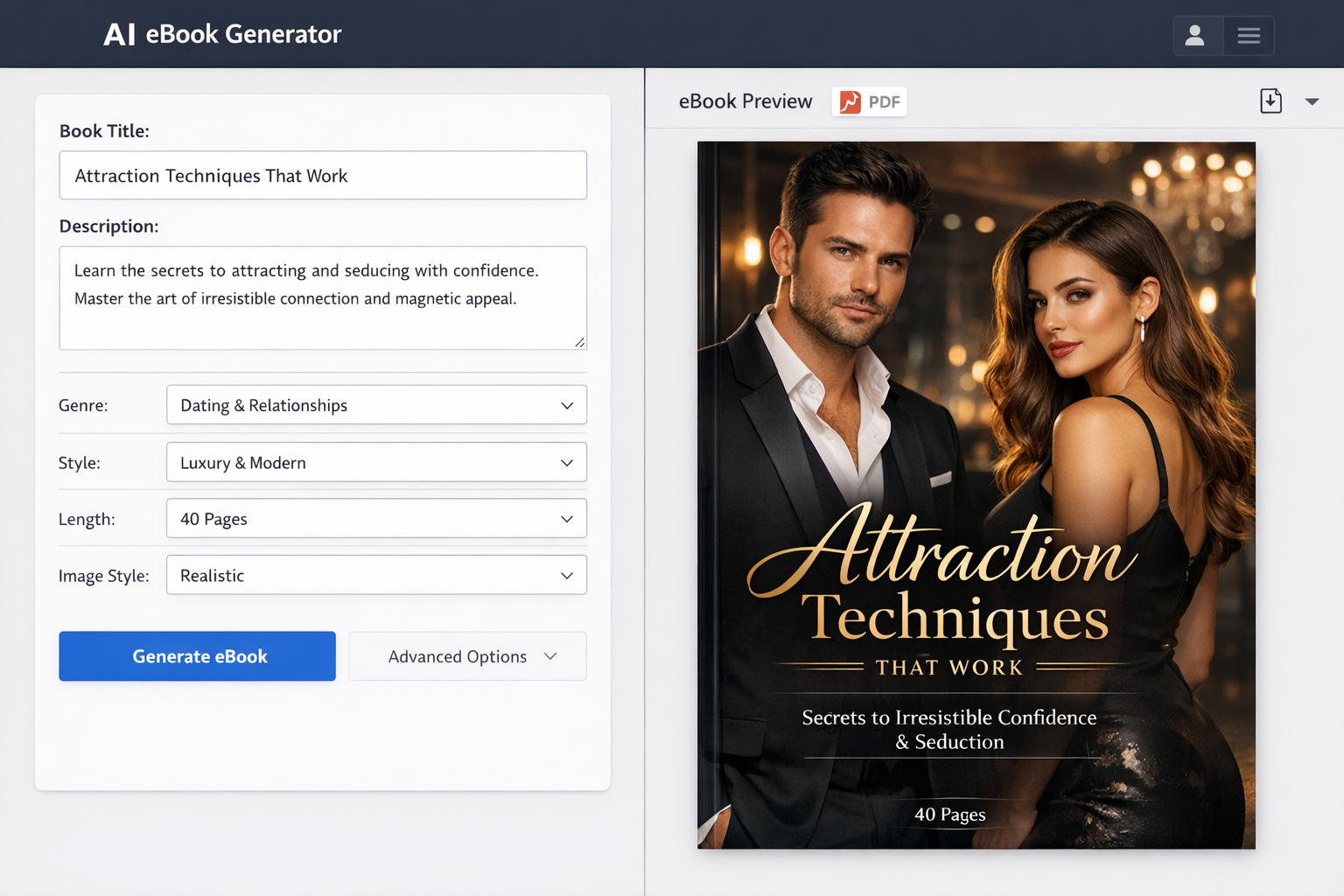
Your eBook cover is the first thing potential buyers see, making it a critical factor in driving purchases. A professional, eye-catching cover lends credibility and entices visitors to learn more.
If design isn’t your strength, consider tools like Canva or Adobe Spark that provide easy-to-use templates tailored for eBook covers. Makeebook is also a helpful resource offering ready-made templates and design tips for authors. When designing, ensure the cover is clear even in small thumbnail sizes and reflects your eBook’s genre and tone.
Write a Compelling Description
A well-crafted product description does more than explain what your eBook is about—it persuades visitors why they should buy it. Focus on benefits rather than just features. For example, instead of saying “This book covers SEO basics,” say “Learn the proven SEO strategies that will boost your website traffic and sales.”
Highlight key features, such as the number of pages, bonus content, or actionable tips. Break the description into digestible sections or bullet points for easy reading. Including testimonials or endorsements here can also increase trust.
Step 2 – Set Up Your Website for eBook Sales
Choose the Right Platform
Your choice of website platform impacts how easily you can sell eBooks and manage your store. Popular options include:
- WordPress: Highly customizable and ideal with eCommerce plugins.
- Shopify: User-friendly platform designed for selling all kinds of products, including digital downloads.
- Wix: Simple drag-and-drop builder with integrated eCommerce functionality.
WordPress is favored by many authors due to full control and extensive plugin support, but it requires some technical setup. Shopify and Wix offer easier setup but with monthly fees and slightly less flexibility.
Install an eCommerce Plugin or Tool
If you choose WordPress, installing an eCommerce plugin is essential for managing sales and digital delivery. Two popular plugins are:
- WooCommerce: A powerful, flexible plugin that supports digital products, payment gateways, and extensions.
- Easy Digital Downloads (EDD): Specifically focused on selling digital products, making it lightweight and user-friendly.
Shopify and Wix come with built-in eCommerce tools that support digital downloads, so you won’t need additional plugins.
Create a Dedicated Sales Page
A dedicated sales page helps focus visitors on your eBook and encourage purchases. Key elements include:
- Compelling headline: Grab attention and communicate the core benefit.
- Cover image: Show your professionally designed eBook cover prominently.
- Description: Use the persuasive description written earlier.
- Buy button: Clear, visible call-to-action (CTA) buttons.
- Testimonials or reviews: Social proof builds trust.
- Price and guarantees: Display pricing clearly and mention refund policies.
Keep the page clean and uncluttered. Use bullet points, short paragraphs, and highlight benefits to improve readability and conversion rates.
Step 3 – Configure Payment and Delivery Options
Select Payment Gateways
To accept payments on your website, you need to integrate payment gateways that process transactions securely. Common options include:
- PayPal: Widely trusted and easy to integrate.
- Stripe: Supports credit/debit card payments directly on your site.
- Other options: Square, Authorize.net, or regional gateways depending on your audience.
Both WooCommerce and Easy Digital Downloads support multiple payment gateways, allowing you to pick one or more that suit your needs. Make sure your website uses HTTPS to protect customer data during payment processing.
Automate eBook Delivery
Automation is key to a smooth customer experience. Set up your eCommerce plugin or platform to provide instant download links immediately after purchase. This eliminates manual work and ensures buyers get instant access.
As a backup, configure an automated email that sends the download link and purchase confirmation. This reassures customers and reduces support inquiries.
Manage Taxes and Legal Requirements
Depending on your location and customer base, selling digital products like eBooks may involve collecting taxes such as VAT or sales tax. Research and configure tax settings in your eCommerce tools accordingly to stay compliant.
Additionally, ensure your website has clear Privacy Policy and Terms of Service pages. These protect you legally and build customer trust by explaining how their data is handled and purchase terms.
Step 4 – Promote Your eBook
Use Content Marketing
One of the most effective ways to attract buyers is through content marketing. Start a blog related to your eBook’s topic and optimize posts for relevant keywords. This drives organic traffic from search engines.
Create lead magnets such as free chapters or checklists to capture email addresses. Building an email list allows you to nurture relationships and promote your eBook directly to interested readers.
Leverage Social Media and Paid Ads
Social media platforms like Facebook, Instagram, and LinkedIn allow you to connect with your target audience and promote your eBook. Share valuable content, engage with followers, and post about your eBook launch.
Consider using paid ads on these platforms or Google Ads to reach a wider audience. Start with a small budget, target specific demographics, and test different creatives to find what works best.
Collaborate and Get Reviews
Partnering with influencers, bloggers, or podcasters in your niche can expose your eBook to new audiences. Offer free copies in exchange for honest reviews or guest appearances.
Encourage customers to leave reviews and testimonials on your sales page or social proof sections. Positive feedback increases credibility and buyer confidence.
Step 5 – Monitor and Optimize Your Sales Process
Track Sales and Customer Behavior
Use analytics tools like Google Analytics and your eCommerce plugin’s reports to monitor sales performance and customer behavior. Key metrics include:
- Number of visitors to your sales page
- Conversion rate from visitor to buyer
- Cart abandonment rate
- Customer demographics and device usage
Understanding these insights helps identify bottlenecks and areas for improvement.
Optimize Your Sales Funnel
Test different elements of your sales page and checkout process to increase conversions. This can include A/B testing headlines, button colors, pricing, or checkout fields.
Small changes like clearer CTAs or simplified checkout can significantly boost sales. Continuously refine your funnel based on data to maximize results.
Provide Customer Support
Deliver excellent customer service by promptly responding to inquiries and handling refund requests professionally. Clear refund policies and FAQs reduce confusion.
Building a loyal customer base through support encourages repeat purchases and word-of-mouth referrals, key for long-term success.
Conclusion
Selling eBooks on your website is an empowering way to reach readers, build your brand, and increase revenue. By carefully preparing your eBook, setting up a secure and user-friendly sales process, and promoting effectively, you can create a thriving digital storefront.
Start today by formatting your eBook and designing a professional cover. Then, choose the right platform and tools to get your store online quickly. With consistent effort in marketing and optimization, your eBook sales will grow steadily.
Remember, resources like Makeebook can simplify design and publishing tasks, helping you focus more on connecting with your audience. Take action now and turn your knowledge into a successful digital product!
Additional Resources