Best eBook Reader Apps for iOS in 2026: Top Picks and Features
Introduction
The rise of digital reading has transformed how millions enjoy books, and iOS devices remain a popular platform for eBook readers worldwide. As we step into 2026, eBook reader apps for iOS have evolved dramatically, offering richer features, smoother reading experiences, and deeper integration with various ecosystems.
Choosing the right eBook reader app can significantly enhance your reading pleasure, whether you’re a casual reader or a voracious bookworm. This article provides a comprehensive guide to the best eBook reader apps for iOS in 2026, highlighting their unique features, pros and cons, and practical advice on picking the ideal app for your needs.
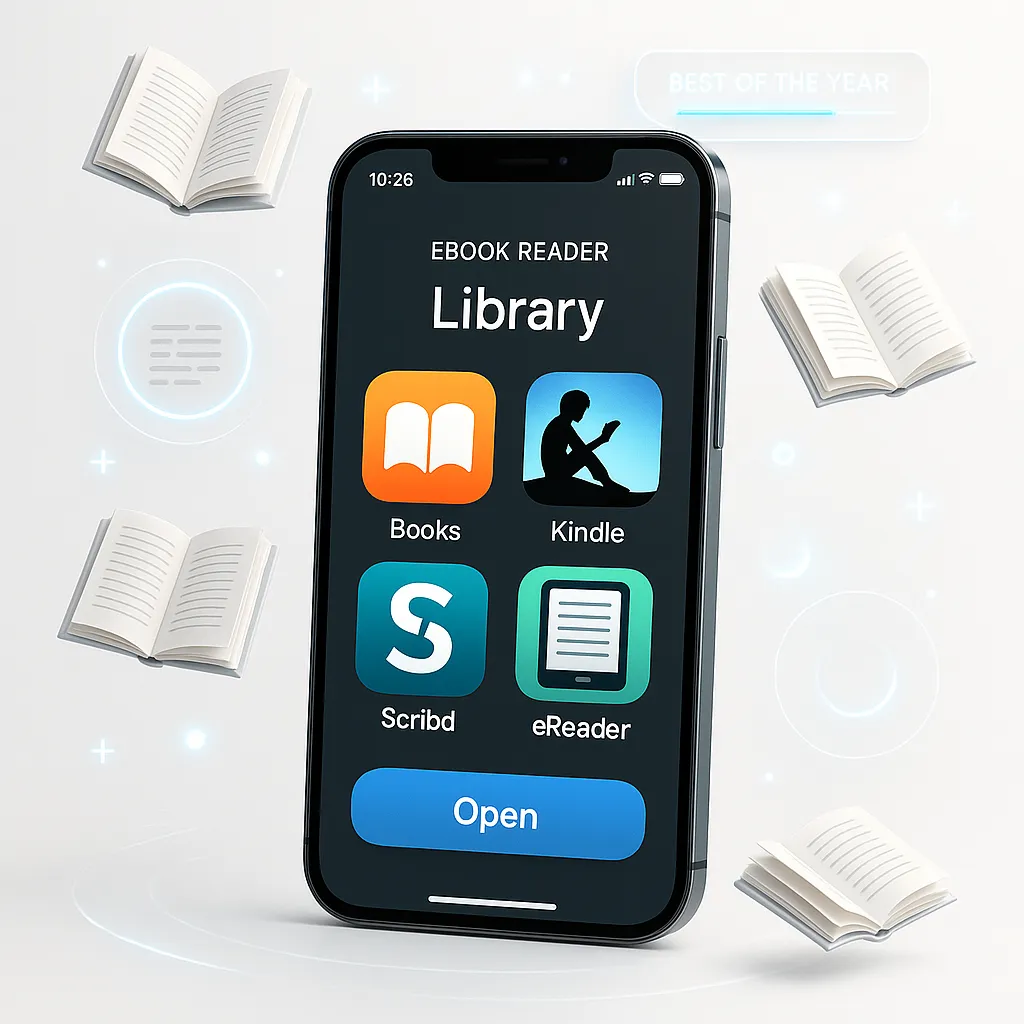
From native Apple Books to third-party options like Kindle and Kobo, as well as specialized apps like Marvin 3 and Bluefire Reader, we cover the top contenders and what sets them apart this year.
Criteria for Choosing the Best eBook Reader Apps in 2026
User Interface and Ease of Use
A clean, intuitive interface is crucial for an enjoyable reading experience. The best apps prioritize simple navigation, customizable reading layouts, and minimal distractions so readers can immerse themselves in their books effortlessly.
Supported File Formats
Compatibility with various eBook formats such as EPUB, PDF, MOBI, and AZW3 ensures flexibility. Some apps also support audiobooks and comics, broadening the scope for diverse media consumption.
Customization and Reading Experience
Adjustable font types, sizes, background colors, margin settings, and line spacing allow users to tailor their reading environment. Features like night mode, blue light filters, and text-to-speech further enhance comfort and accessibility.
Syncing and Cloud Integration
Seamless syncing across multiple devices is a must-have in 2026, enabling readers to pick up exactly where they left off. Cloud integration also allows automatic backup and easy access to your library from anywhere.
Additional Features (Annotations, Dictionary, Audiobooks, etc.)
Modern eBook readers offer tools like note-taking, highlighting, built-in dictionaries, translation, and audiobook support. These features enrich the reading experience and improve comprehension and engagement.
Pricing and Subscription Models
Some apps are free with optional in-app purchases, while others require subscriptions for full access. Understanding pricing structures helps readers find an app that fits their budget without compromising features.
Top eBook Reader Apps for iOS in 2026
Apple Books
Overview and integration: Apple Books remains the default eBook app on iOS devices, seamlessly integrated into the ecosystem. It offers a polished interface optimized for iPhone and iPad, with smooth syncing via iCloud.
Key features and updates in 2026: Apple Books now supports enhanced audiobook integration, new reading themes, and improved annotation tools. Its library management includes smart collections and personalized recommendations powered by machine learning.
Pros: Deep iOS integration, no additional downloads needed, supports EPUB and audiobooks, excellent syncing.
Cons: Limited support for non-Apple bookstore purchases, fewer customization options compared to specialized apps.
Kindle App
Amazon Kindle ecosystem advantages: The Kindle app connects to Amazon’s vast eBook store and ecosystem, providing access to millions of titles, including exclusive releases and Kindle Unlimited subscription options.
New features and improvements for 2026: The latest Kindle update introduces enhanced PDF support, customizable reading themes, and expanded audiobook controls. Whispersync technology ensures flawless device syncing.
Pros: Massive library, excellent cloud sync, family sharing options, solid audiobook integration.
Cons: Limited support for non-Kindle formats, ads in free version, Amazon ecosystem lock-in.
Kobo Books
Unique features and international library access: Kobo Books is favored for its global reach, supporting multiple languages and offering a wide selection of indie and international titles. It also supports EPUB and PDF formats natively.
2026 updates and user experience: Kobo’s 2026 version adds social reading features, improved customization, and support for Makeebook format exports, appealing to self-publishing authors and avid readers alike.
Pros: Wide format support, international catalog, social sharing, and reading stats.
Cons: Less polished interface compared to Apple Books and Kindle, occasional syncing delays.
Google Play Books
Cross-platform syncing and Google integration: Google Play Books offers excellent cross-device syncing, allowing users to switch between iOS, Android, and web with ease. Integration with Google’s ecosystem makes library management straightforward.
Notable features in 2026: The app now supports immersive reading with read-aloud features, enhanced PDF annotation tools, and offline library access improvements.
Pros: Cross-platform flexibility, strong annotation tools, no subscription required.
Cons: Smaller eBook selection compared to Amazon, occasionally clunky interface on iOS.
Marvin 3
Customization and advanced reading tools: Marvin 3 is known for its extensive customization options, including themes, fonts, layout tweaks, and advanced navigation features like customizable gestures and smart bookmarks.
Updates and features for 2026: The latest update adds AI-powered reading analytics, deeper integration with external dictionaries, and enhanced library organization. It also supports Makeebook exports, favored by authors and power readers.
Pros: Highly customizable, supports many formats, great for power users.
Cons: Steeper learning curve, not ideal for casual readers.
Bluefire Reader
DRM support and professional reading features: Bluefire Reader is a top choice for users who require Adobe DRM support, making it popular for academic and professional reading. It supports EPUB and PDF with DRM restrictions.
2026 enhancements: New features include improved annotation syncing, cloud backup options, and support for advanced PDF features like form filling and signatures.
Pros: Robust DRM support, professional-grade PDF handling, solid annotation tools.
Cons: Interface feels dated, limited audiobook support.
Comparison Table of the Best eBook Reader Apps for iOS
Below is a summary comparison of the key features for quick reference:
| App |
User Interface |
Supported Formats |
Customization |
Cloud Sync |
Price Model |
Best For |
| Apple Books |
Clean & Native iOS |
EPUB, Audiobooks |
Moderate |
iCloud Sync |
Free |
Casual readers, iOS enthusiasts |
| Kindle |
User-friendly |
AZW, MOBI, PDF |
Moderate |
Amazon Cloud |
Free + Subscriptions |
Amazon shoppers, audiobook fans |
| Kobo Books |
Functional |
EPUB, PDF |
Good |
Kobo Cloud |
Free |
International readers, indie books |
| Google Play Books |
Simple |
EPUB, PDF |
Good |
Google Drive |
Free |
Cross-platform users |
| Marvin 3 |
Advanced |
EPUB, PDF |
Excellent |
iCloud |
Paid |
Power readers, customization lovers |
| Bluefire Reader |
Professional |
EPUB, PDF (DRM) |
Moderate |
Cloud Backup |
Free |
Academic, DRM-protected content |
How to Choose the Right eBook Reader App for You
Finding the perfect eBook reader app depends on understanding your unique reading habits and preferences.
- Assess your reading habits: Do you read mostly fiction, academic texts, or comics? Do you prefer audiobooks or eBooks? The answers will influence your choice.
- Consider ecosystem compatibility: If you already own devices tied to Apple, Amazon, or Google, choosing an app from the same ecosystem ensures smoother syncing and easier purchases.
- Budget and subscription options: Determine if you want a free app, are willing to pay once, or prefer a subscription model offering access to vast libraries.
- Test before committing: Many apps offer free versions or trials. Experiment with a few to see which interface and features resonate with you.
Tips for Enhancing Your eBook Reading Experience on iOS
- Utilize night mode and blue light filters: Protect your eyes during late-night reading sessions by enabling these settings in your app or device.
- Organize your library effectively: Use collections, tags, or smart shelves to categorize books by genre, author, or reading status.
- Make use of annotation and note-taking features: Highlight key passages, add notes, and use built-in dictionaries to deepen comprehension.
- Sync across devices: Enable cloud syncing so you can switch between iPhone, iPad, or Mac without losing your place.
Conclusion
In 2026, the best eBook reader apps for iOS offer a variety of features tailored to different types of readers. Whether you prefer the seamless integration of Apple Books, the vast catalog of Kindle, or the customization prowess of Marvin 3, there’s an app designed to elevate your digital reading experience.
For those looking to explore beyond the mainstream options, apps like Kobo Books and Bluefire Reader provide excellent alternatives, especially if you need DRM support or international literature access.
Ultimately, your ideal choice depends on your reading preferences and ecosystem loyalty. Don’t hesitate to try multiple apps before settling on the one that feels just right. With tools like Makeebook gaining traction for self-publishing and eBook customization, 2026 promises a dynamic landscape for both readers and authors alike.
Happy reading!
Additional Resources