Best Free eBook Readers for Windows in 2024
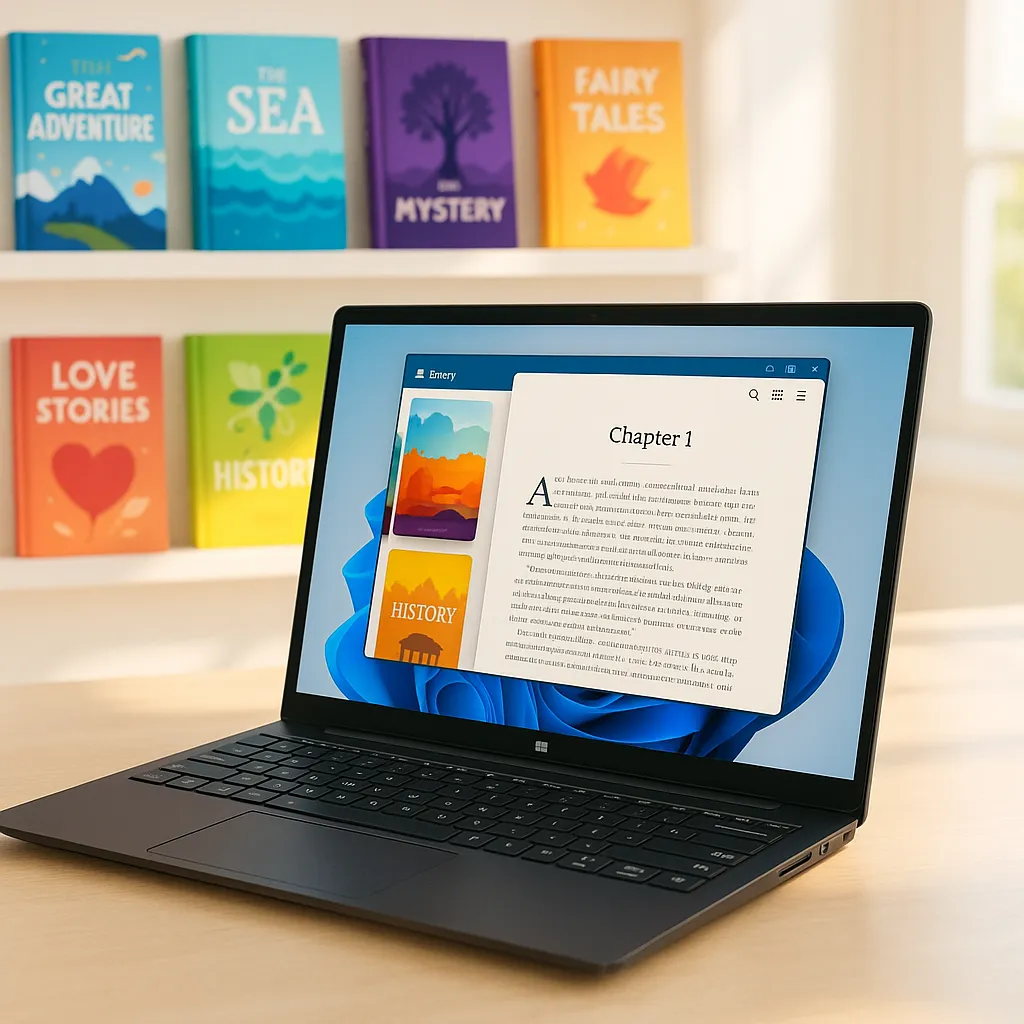
Reading eBooks on Windows has never been more popular. Whether you enjoy novels, academic papers, or technical manuals, having the right eBook reader can transform your reading experience. With countless options available, choosing a free eBook reader that fits your needs in 2024 is crucial. This article dives into the best free eBook readers for Windows, highlights key features to look for, and offers practical tips for enhancing your digital reading experience.
Key Features to Look for in a Free eBook Reader
Supported File Formats
One of the most important considerations when selecting an eBook reader is the range of supported file formats. Popular formats include ePub, PDF, MOBI, and Amazon’s proprietary AZW files. A versatile reader that supports multiple formats means you won’t have to convert files or switch apps.
In 2024, broad format compatibility is expected as eBooks come from various sources—public libraries, online bookstores, or personal collections. Ensure your reader supports your preferred format to avoid frustration.
User Interface and Customization
A clean and intuitive user interface is key for effortless reading. Look for readers offering easy navigation, such as a table of contents, page thumbnails, and straightforward controls. Customization options like font size, style, line spacing, and background color can significantly improve reading comfort.
Night mode or dark themes help reduce eye strain during late-night reading sessions and are increasingly standard features in modern eBook readers.
Annotation and Bookmarking Tools
For serious readers, annotation tools are invaluable. Highlighting passages, adding notes, and managing bookmarks allow you to interact with your books more deeply. Good bookmarking management ensures you can easily return to important sections, especially in lengthy texts.
Library Management
A well-organized library system lets you sort, categorize, and search through your eBooks efficiently. Features like importing and exporting books, batch editing metadata, and creating collections can save time and reduce clutter.
Additional Features
Some eBook readers go beyond the basics. Text-to-speech functionality lets you listen to books when you can’t read. Syncing across devices keeps your progress and annotations consistent. Integration with online bookstores or public libraries may enable direct downloads and seamless access.
Top Free eBook Readers for Windows in 2024
Calibre
Overview and History: Calibre is a powerhouse in the eBook world, known for its robust library management and conversion tools. It has been a favorite among Windows users for years, continually updated to keep pace with evolving formats and user needs.
Key Features: Calibre supports virtually every eBook format imaginable, including ePub, MOBI, AZW3, PDF, and more. It offers powerful library organization, metadata editing, and an integrated eBook converter. Users can also create custom eBooks and sync content with many devices.
Pros: Highly versatile, extensive format support, excellent library management, free and open source.
Cons: User interface can feel overwhelming for beginners; some features require a learning curve.
Ideal User Type: Readers who want a comprehensive tool for managing large collections and converting between formats.
Sumatra PDF
Overview: Sumatra PDF is a lightweight, open-source reader known for speed and simplicity. While primarily a PDF reader, it also supports ePub, MOBI, and other formats.
Supported Formats: PDF, ePub, MOBI, CHM, XPS, DjVu, CBZ, CBR.
Lightweight and Fast Performance: Sumatra is incredibly fast and uses minimal system resources, making it ideal for older or less powerful Windows machines.
Pros: Simple interface, very fast, portable version available, minimal system impact.
Cons: Limited customization and annotation features; primarily a reader without library management.
Best Use Cases: Users who want a no-frills, fast reading experience without distractions.
Freda
Overview: Freda is a versatile Windows eBook reader that combines a pleasant reading experience with useful customization and annotation tools.
Customization Options: Freda offers adjustable fonts, colors, and themes, including night mode. You can tweak margins, line spacing, and more for a personalized reading experience.
Annotation Tools: Highlight text, insert notes, and bookmark pages easily. Freda also supports dictionary lookups and text-to-speech.
Pros: User-friendly interface, solid customization, annotation support, free with optional donations.
Cons: Limited support for some lesser-known formats, occasional bugs reported in updates.
Icecream Ebook Reader
Overview: Icecream Ebook Reader offers a modern interface and robust reading features, targeting casual and avid readers alike.
User Interface and Features: The interface is clean and intuitive, with support for multiple viewing modes. It includes bookmarks, highlights, notes, and library organization tools.
Supported Formats: EPUB, MOBI, FB2, PDF, and others.
Pros: Attractive UI, good annotation tools, supports multiple formats.
Cons: The free version has some feature limitations; full features require upgrading.
Bookviser Reader
Overview: Bookviser Reader stands out with its cloud syncing capabilities and social reading features, making it a community-friendly choice.
Cloud Syncing and Social Features: Sync your reading progress and notes across devices via Microsoft account integration. You can also share quotes and interact with other readers.
User Experience: The app offers customizable reading views, font options, and night mode.
Pros: Seamless cloud syncing, social sharing, user-friendly design.
Cons: Limited format support compared to Calibre; primarily focused on ePub and FB2.
Cover
Overview: Cover is a minimalist eBook reader designed for distraction-free reading with essential features.
Unique Features: Focuses on simplicity with beautiful typography and smooth scrolling. It supports highlighting and notes but avoids clutter.
Supported Formats: EPUB primarily, with limited support for other formats.
Pros: Elegant design, easy to use, good for casual readers.
Cons: Limited format support and fewer advanced features.
Comparison Table of the Best Free eBook Readers
| eBook Reader |
Supported Formats |
Annotation Tools |
Library Management |
Customization |
Additional Features |
Performance |
| Calibre |
ePub, MOBI, AZW3, PDF, etc. |
Yes |
Excellent |
Moderate |
Conversion, device sync |
Moderate (resource-heavy) |
| Sumatra PDF |
PDF, ePub, MOBI, CHM, etc. |
No (limited) |
Basic (no library) |
Minimal |
Portable version |
Very fast |
| Freda |
ePub, FB2, TXT |
Yes |
Good |
High |
Text-to-speech, dictionaries |
Good |
| Icecream Ebook Reader |
EPUB, MOBI, PDF, FB2 |
Yes |
Good |
Moderate |
Bookmarks, highlights |
Good |
| Bookviser Reader |
EPUB, FB2 |
Yes |
Moderate |
Moderate |
Cloud sync, social features |
Good |
| Cover |
EPUB |
Yes |
Basic |
Minimal |
Distraction-free reading |
Good |
How to Choose the Right eBook Reader for Your Needs
Choosing the perfect eBook reader depends on your personal reading habits and priorities. Start by assessing what formats you read most often. If you have a mixed collection, opt for a reader with broad format support like Calibre.
If you prioritize a simple, distraction-free experience, a lightweight reader such as Sumatra PDF or Cover may be best. For annotation, note-taking, or academic reading, Freda and Icecream Ebook Reader provide strong tools.
Consider additional features like syncing across devices if you switch between a Windows PC, tablet, or smartphone. Balancing simplicity against advanced options will help narrow down your choice.
Tips for Enhancing Your eBook Reading Experience on Windows
- Use Keyboard Shortcuts: Many readers support shortcuts for turning pages, adjusting fonts, and toggling night mode—learn them to read faster and more comfortably.
- Manage Large Libraries: Organize your collection with tags, collections, or custom metadata. Calibre excels at this.
- Syncing and Backup: Regularly back up your eBooks and annotations. Use cloud-integrated readers like Bookviser to keep everything synchronized.
- Accessibility Options: Explore readers offering text-to-speech, adjustable contrast, and font options to reduce eye strain or support reading difficulties.
For those interested in exploring new eBooks, Makeebook is a valuable resource offering a wide range of free downloadable titles compatible with most readers discussed here.
Conclusion
In 2024, the Windows ecosystem offers a wealth of free eBook readers tailored to different needs and preferences. From the all-encompassing power of Calibre to the minimalist elegance of Cover, there’s an option for everyone. Trying out a few of these readers will help you find one that fits your reading style perfectly. Remember, the right eBook reader not only improves comfort but also enhances your entire digital reading journey. Happy reading!