How to Create an eBook: A Step-by-Step Guide
Introduction
Creating an eBook is an excellent way to share your knowledge, boost your brand, generate leads, or even create a new revenue stream. Whether you are an author eager to publish your first book, a marketer aiming to provide valuable content to your audience, or an entrepreneur looking to establish authority in your niche, this guide will walk you through the entire process.
In this step-by-step guide, you will learn how to plan, write, design, publish, and promote your eBook in a practical, easy-to-follow way. By the end, you’ll have everything you need to confidently bring your digital book idea to life.
Step 1 – Planning Your eBook
Define Your Purpose and Goals
Before you dive into writing, it’s crucial to understand why you are creating the eBook. Are you looking to educate your audience on a specific topic? Entertain readers with a captivating story? Or perhaps promote a product or service? Clarifying your purpose helps keep your content focused and relevant.
Next, set measurable goals. These could include targets like the number of downloads, new email subscribers, or sales generated. Clear goals will guide your content and marketing strategies while helping you measure success.
Choose Your Target Audience
Knowing who you’re writing for is key to creating content that resonates. Research your audience’s demographics, interests, and challenges. This insight allows you to tailor your eBook to address their pain points and deliver real value.
Use surveys, social media insights, or existing customer data to get a clear picture of your readers. The better you understand them, the more impactful your eBook will be.
Select a Compelling Topic
Brainstorm topics that align with your goals and your audience’s needs. Think about common questions, problems, or trends within your niche. To validate your ideas, conduct keyword research to see what people are searching for, and analyze competitors’ content to identify gaps you can fill.
Choosing a compelling topic is the foundation of your eBook’s success, so take the time to select one that will attract and engage your target readers.
Step 2 – Outlining Your eBook Content
Create a Detailed Chapter Outline
Break down your chosen topic into logical, manageable sections or chapters. Each chapter should have a clear focus and contribute to the overall message of the eBook. Outline the key points you want to cover within each chapter to ensure your content is organized and comprehensive.
A detailed outline acts as a roadmap, making the writing process smoother and preventing important information from being overlooked.
Plan the Flow and Structure
Structure your eBook with a clear introduction, body, and conclusion. The introduction sets the stage by explaining what readers will learn and why it matters. The body delivers your main content logically and engagingly. Finally, the conclusion summarizes key takeaways and may include a call to action.
Consider using storytelling or problem-solution frameworks to keep readers interested and provide actionable insights.
Step 3 – Writing Your eBook
Set a Writing Schedule
Writing an eBook can feel overwhelming without a plan. Establish a consistent writing routine by setting aside dedicated time slots each day or week. Even short, regular sessions can lead to steady progress.
Use writing tools like Google Docs, Microsoft Word, or specialized apps such as Scrivener to organize your drafts. These tools often include features that help track word counts and streamline revisions.
Write Clear and Engaging Content
Focus on clarity by using simple language and active voice. Avoid jargon unless it’s essential and your audience is familiar with it. Incorporate examples, anecdotes, and relevant data to illustrate your points and make your content relatable.
Remember, your goal is to educate or entertain your readers, so write with their interests and understanding in mind.
Edit and Proofread
After completing your draft, take time to self-edit. Look for areas to improve flow, clarity, and conciseness. Check for grammar and spelling errors. Reading aloud or using tools like Grammarly or Hemingway Editor can help catch mistakes.
If possible, hire a professional editor or proofreader to polish your eBook and ensure it meets high-quality standards. A well-edited eBook reflects credibility and professionalism.
Step 4 – Designing Your eBook
Choose the Right Format (PDF, ePub, MOBI)
Selecting the appropriate file format depends on how and where you plan to distribute your eBook. PDF is widely used for direct downloads and preserves layout well, making it ideal for graphic-rich books. ePub is the preferred format for most eReaders and apps due to its adaptability. MOBI is mainly used for Amazon Kindle devices.
Tools like Calibre, Adobe InDesign, or online converters can help you create or convert your eBook into the desired format.
Design a Professional Cover
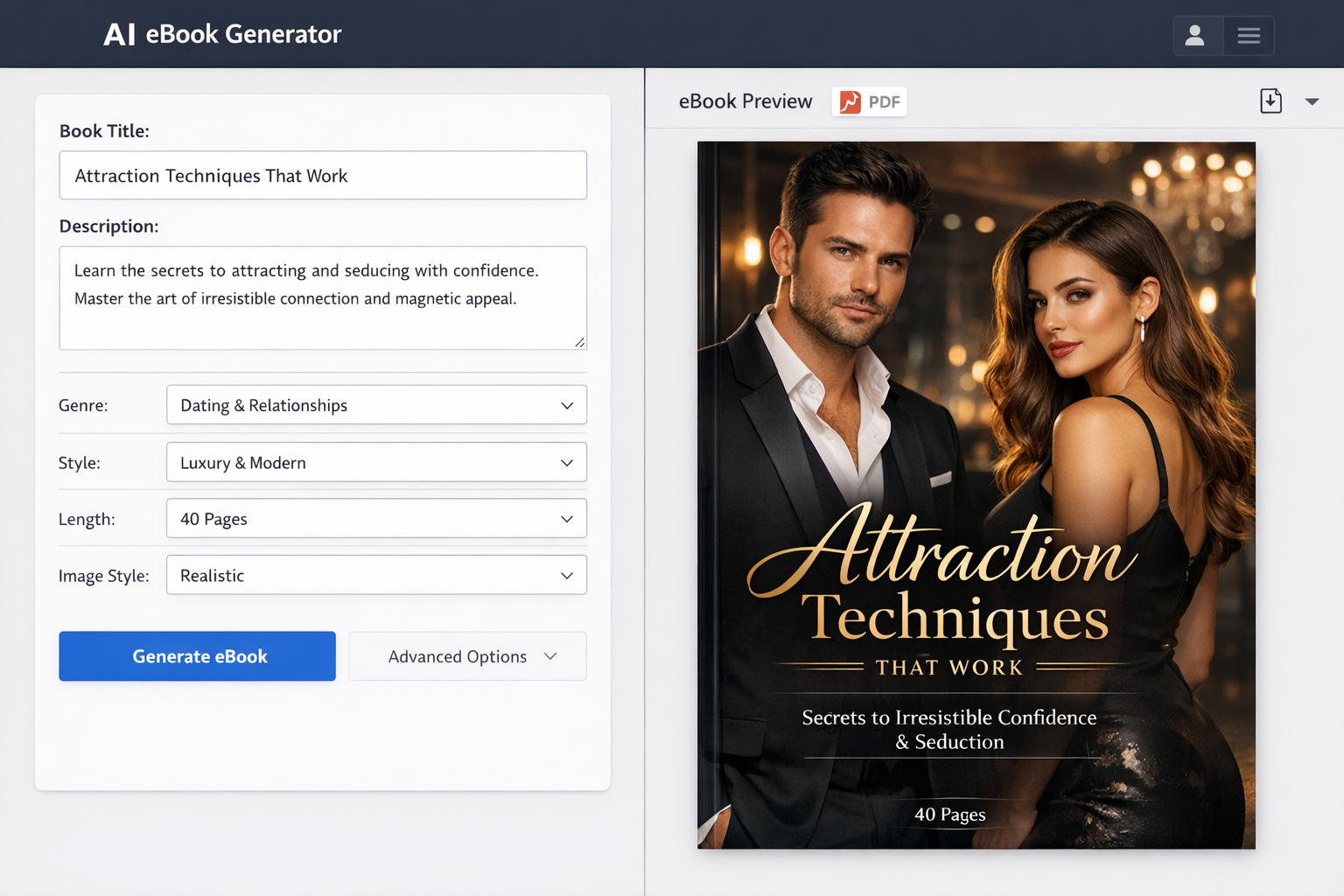
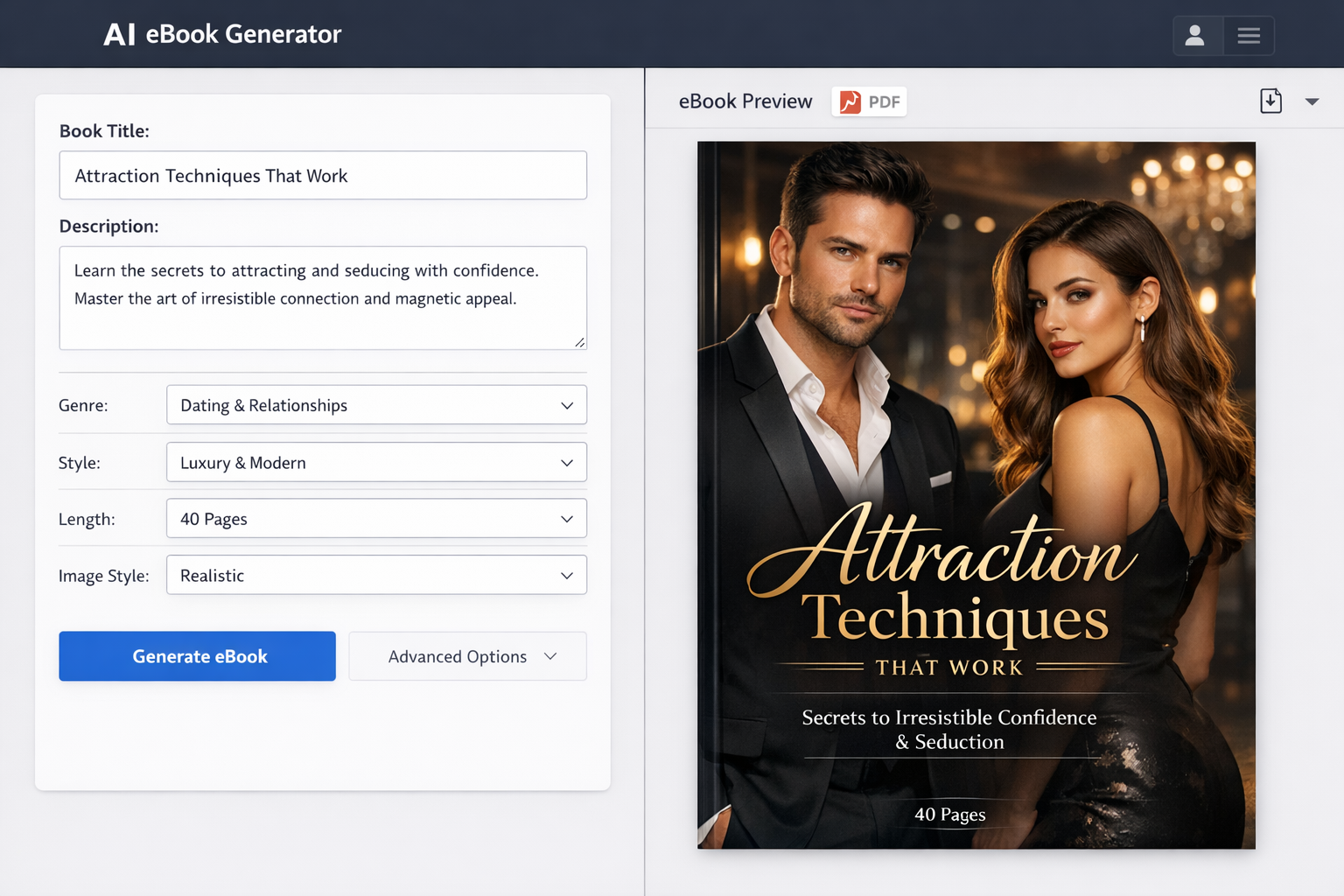
The cover is the first thing potential readers see, so it must be visually compelling and relevant. A professional-looking cover builds trust and encourages downloads or purchases.
If you have design skills, tools like Canva or Adobe Spark offer easy templates for creating covers. Alternatively, consider hiring a professional designer for a polished, unique look. Remember, investing in your cover is investing in your eBook’s success.
Layout and Typography
Choose fonts that are easy to read on screens and maintain consistent spacing for a clean look. Avoid cluttered pages by balancing text with images, charts, or graphics that support your content.
Good typography and layout enhance the reader’s experience and keep them engaged from start to finish.
Step 5 – Publishing and Distributing Your eBook
Select Publishing Platforms
Decide where you want to publish your eBook. Amazon Kindle Direct Publishing (KDP) is the largest marketplace, offering vast reach and user-friendly tools. Other platforms like Apple Books, Google Play Books, and Kobo provide additional access to different audiences.
Consider publishing on multiple platforms to maximize visibility. Some creators also offer their eBooks directly from their websites using services like Makeebook, which simplifies hosting and delivery.
Set Pricing and Licensing
Determine whether to offer your eBook for free or sell it. Free eBooks can drive leads and build your email list, while paid eBooks generate revenue. Research pricing standards within your niche to stay competitive.
Understand the licensing terms of each platform, including royalty rates and rights. This knowledge ensures you retain control over your content and earnings.
Upload and Format Your eBook for Distribution
Each platform has technical requirements for file format, size, and metadata. Prepare your eBook accordingly, including a compelling title, description, keywords, and author information to optimize discoverability.
Test your eBook on different devices or apps before publishing to guarantee a smooth reading experience.
Step 6 – Promoting Your eBook
Build a Marketing Plan
Develop a strategy to reach your target audience through email marketing and social media. Email campaigns to your subscriber list can announce your launch and offer exclusive incentives.
Social media platforms allow you to share teasers, reviews, and behind-the-scenes content to generate buzz. Consistent engagement helps build anticipation and drive downloads or sales.
Leverage Influencers and Partnerships
Collaborate with influencers, bloggers, or other authors in your niche to widen your reach. Guest blogging, joint webinars, or affiliate marketing partnerships can introduce your eBook to new audiences.
These relationships not only boost promotion but can also add credibility to your eBook.
Track Performance and Gather Feedback
Use analytics tools provided by publishing platforms or third-party services to monitor downloads, sales, and reader engagement. Tracking helps you understand what works and where to improve.
Encourage readers to leave reviews and testimonials. Positive feedback enhances your eBook’s reputation and influences potential buyers.
Conclusion
Creating an eBook may seem like a big task, but by following these clear, practical steps—from planning and writing to designing, publishing, and promoting—you can produce a high-quality digital book that achieves your goals.
Whether you’re writing your first eBook or expanding your digital portfolio, the key is to start now and keep moving forward. Tools like Makeebook can help simplify parts of the process, making it easier to launch your eBook quickly and professionally.
Take advantage of the resources available, stay consistent, and watch your eBook open new doors for your personal brand or business.
FAQ
How long does it take to create an eBook?
The timeline varies depending on the length and complexity of your content. Many authors complete a typical eBook in 4 to 12 weeks by dedicating regular writing time. Planning and promotion add extra time, so allocate several months for the complete process.
What tools are best for eBook writing and design?
For writing, Google Docs and Microsoft Word are popular due to their ease of use and collaboration features. Scrivener is preferred by many for organizing large projects. For design and formatting, Canva and Adobe InDesign are excellent choices. Conversion tools like Calibre help create multiple eBook formats.
Can I update my eBook after publishing?
Yes, most platforms allow you to upload revised versions of your eBook. It’s a good practice to update content periodically to keep it current and improve quality based on reader feedback.