Top Free Ebook Generator Tools to Create Stunning Ebooks Easily
In today’s digital age, ebooks have become a vital tool for content marketing, personal publishing, and sharing knowledge effortlessly. Whether you're a blogger, business owner, educator, or aspiring author, creating a professional-looking ebook can help you engage your audience and build authority in your niche.
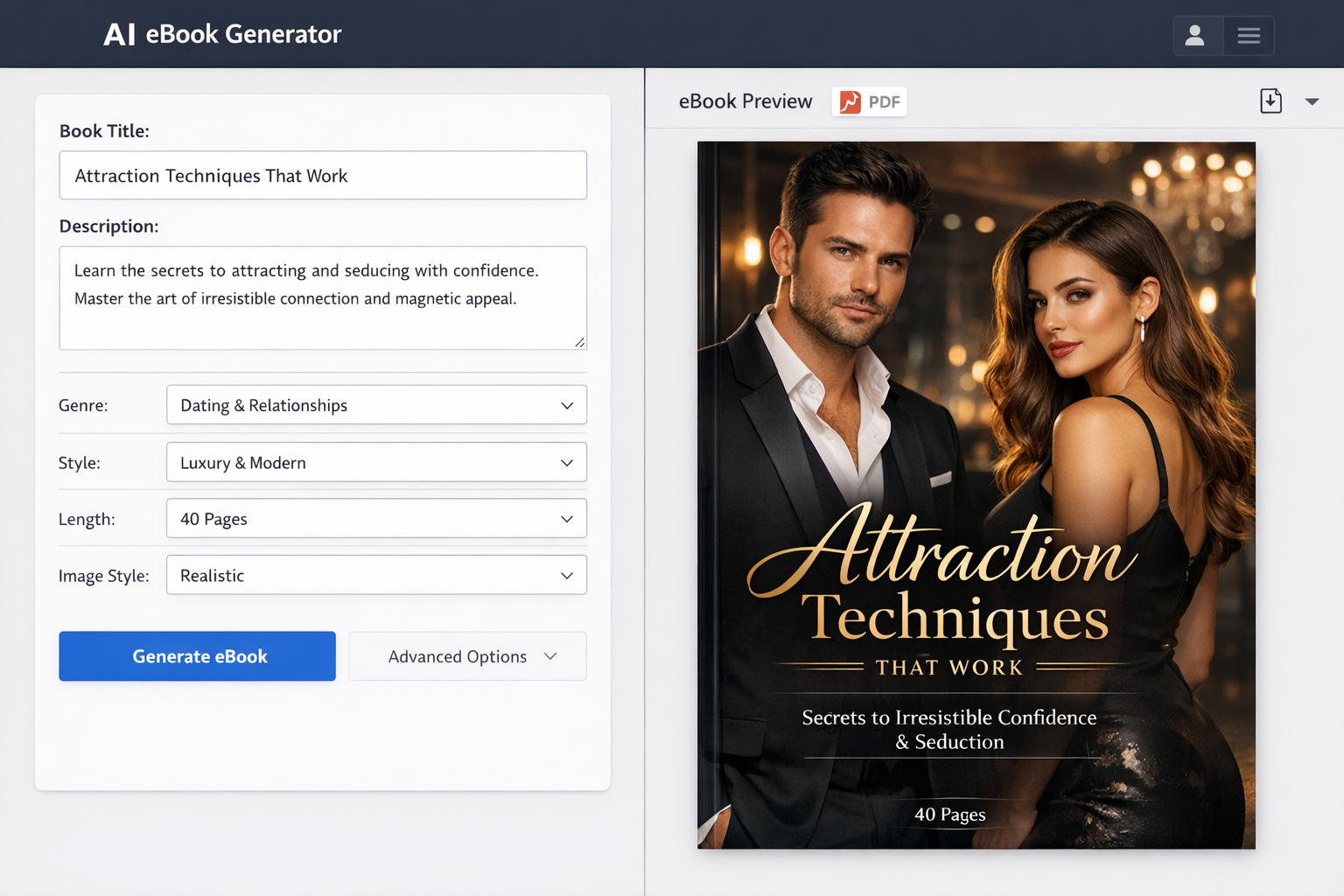
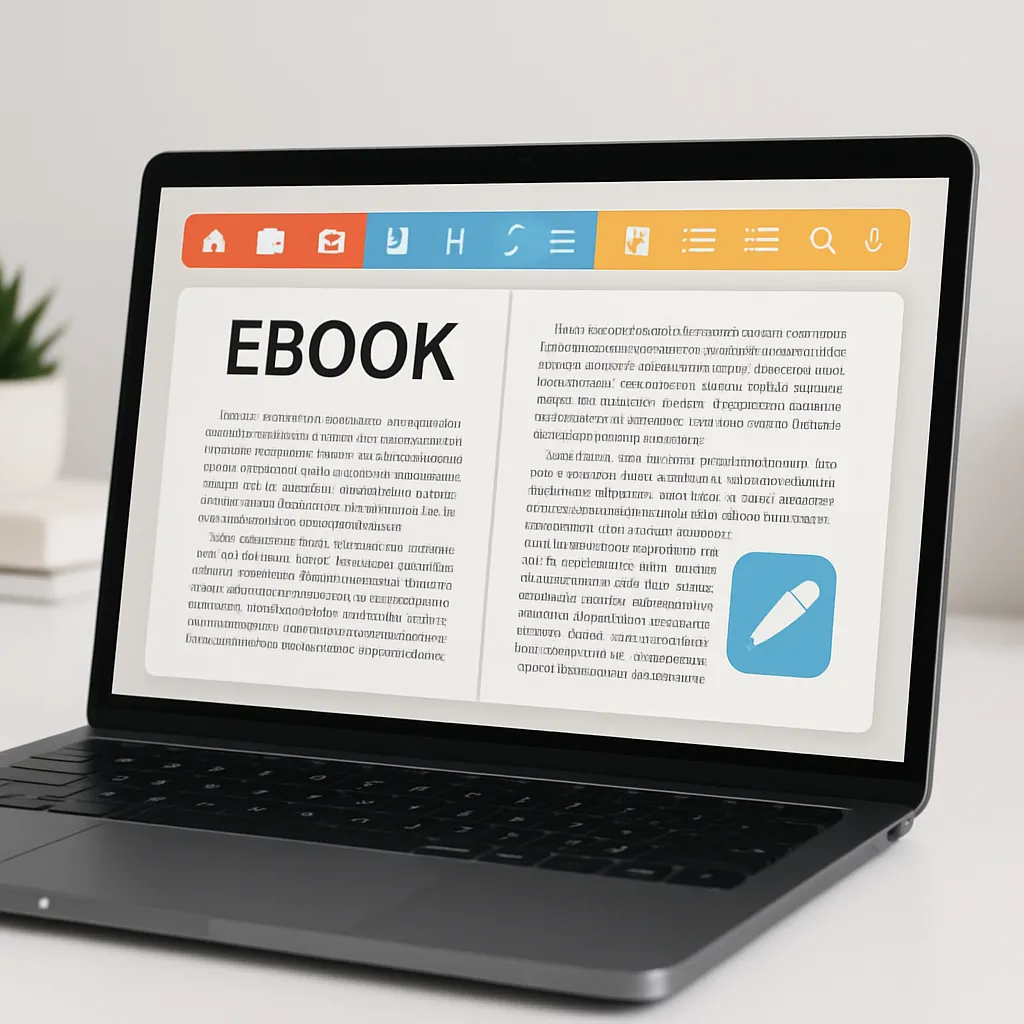
However, designing and formatting an ebook from scratch can be time-consuming and technically challenging. This is where ebook generator tools come in handy. These tools simplify the process, offering intuitive interfaces, ready-made templates, and export options that make crafting beautiful ebooks a breeze.
In this article, we’ll explore some of the top free ebook generator tools available, highlighting their features, pros, cons, and ideal use cases. By the end, you’ll have a clearer idea of which tool suits your needs best and tips to create stunning ebooks effortlessly.
Why Use Ebook Generator Tools?
Benefits of Using Ebook Generators
- Speed and Efficiency: Ebook generators streamline the creation process, allowing you to produce a polished ebook much faster than manual designing.
- User-Friendly Interfaces: Many tools are designed for non-designers, featuring drag-and-drop editors and simple controls that anyone can master.
- Built-in Templates and Customization: They provide a variety of attractive templates tailored for ebooks, which you can customize to match your branding or style.
- Export Options and Format Compatibility: Most tools support popular ebook formats like PDF, EPUB, and MOBI, ensuring your ebook can be read across multiple devices and platforms.
Who Can Benefit from Ebook Generator Tools?
- Content Creators and Bloggers: Easily repurpose blog posts into downloadable ebooks to grow your email list or increase engagement.
- Marketers and Business Owners: Create lead magnets, product guides, or case studies to attract and educate potential customers.
- Educators and Trainers: Develop course materials, manuals, or resource guides with professional layouts.
- Authors and Self-Publishers: Simplify the book formatting process without hiring expensive designers.
Top Free Ebook Generator Tools Overview
When selecting the tools featured below, we considered factors such as ease of use, available features, output quality, and the limitations of their free plans. Each tool offers unique advantages depending on your project requirements and design skills.
Detailed Reviews of Top Free Ebook Generator Tools
1. Canva Ebook Maker
Key Features: Canva is a versatile graphic design platform featuring an extensive library of ebook templates, drag-and-drop editing, access to millions of free and premium images, customizable fonts, and seamless collaboration options.
Pros:
- Extensive free templates and design elements
- Intuitive drag-and-drop interface
- Ability to collaborate with team members
- Export ebooks as PDF, suitable for digital distribution
Cons:
- Limited ebook-specific features like EPUB export
- Some premium assets require payment
Ideal Use Cases: Bloggers, marketers, and small business owners looking to create visually appealing PDFs quickly without complex formatting needs.
How to Get Started: Sign up for a free Canva account, search for “ebook” templates, customize your design with your content and images, then export as a PDF file.
2. Beacon
Key Features: Beacon is a content marketing-focused ebook generator that allows you to transform blog posts and other web content into professional ebooks with minimal effort. It offers easy integration with WordPress and a variety of templates.
Pros:
- Automated content import from blogs
- Customizable templates optimized for lead generation
- Simple drag-and-drop editor
- Direct integration with email marketing tools
Cons:
- Free version has limited templates and export options
- Some advanced features require paid plans
Ideal Use Cases: Content marketers and bloggers who want to repurpose their existing content into ebooks for lead magnets or subscribers.
How to Get Started: Create a free Beacon account, connect your content source (like a blog), choose a template, customize if needed, and download your ebook.
3. Designrr (Free Version)
Key Features: Designrr makes it easy to convert blog posts, PDFs, and audio content into polished ebooks. Its free version offers basic importing and editing tools with some template options.
Pros:
- Multi-source content import
- Automatic formatting and styling
- Export to PDF and EPUB formats
Cons:
- Free plan has limited templates and export options
- Watermark may be added to ebooks in free tier
Ideal Use Cases: Authors and bloggers wanting to quickly convert existing content into multiple ebook formats.
How to Get Started: Sign up for a free Designrr account, import your content, select a template, customize, and export your ebook.
4. Lucidpress
Key Features: Lucidpress is a web-based design tool with drag-and-drop functionality, ideal for creating ebooks, brochures, and other marketing collateral. It offers professional templates and easy collaboration.
Pros:
- Clean, professional templates
- Collaboration and sharing features
- Export as PDF and image formats
Cons:
- Free plan limits the number of documents and pages
- Some features restricted to paid plans
Ideal Use Cases: Small teams or individuals who want to create visually rich ebooks with a professional touch.
How to Get Started: Register for a free Lucidpress account, choose an ebook template, customize your content and design, then export as PDF.
5. Crello (now VistaCreate)
Key Features: VistaCreate (formerly Crello) is a graphic design tool offering thousands of templates for ebooks, social media posts, and more. Its editor is user-friendly and supports animation features.
Pros:
- Wide variety of free templates and design assets
- Simple drag-and-drop editor
- Supports animated designs (great for interactive ebooks)
Cons:
- Limited export formats for ebooks (primarily PDF)
- Some premium elements require subscription
Ideal Use Cases: Creatives and marketers looking to add eye-catching visuals and animations to their ebooks.
How to Get Started: Sign up on VistaCreate, pick an ebook template, customize text and images, and export your ebook as a PDF.
6. Pressbooks (Free Plan)
Key Features: Pressbooks is a book production software designed for authors and educators. It supports professional book formatting and exports to EPUB, MOBI, and PDF.
Pros:
- Wide range of export formats including EPUB and MOBI
- Designed for long-form books and academic publishing
- Open-source and web-based
Cons:
- Free plan has limited storage and branding restrictions
- Steeper learning curve compared to simpler tools
Ideal Use Cases: Authors and educators needing professional ebook formatting and multiple export options.
How to Get Started: Create a free Pressbooks account, upload your manuscript, customize styles, and export in your desired format.
How to Choose the Right Ebook Generator Tool for You
Consider Your Design Skills
If you’re new to design, opt for tools like Canva or VistaCreate that offer easy drag-and-drop interfaces and plenty of templates. More advanced users might prefer Pressbooks for detailed formatting control.
Assess Your Ebook Content Type and Length
For short lead magnets or marketing materials, simpler tools suffice. For longer books or academic content, tools with multi-format support such as Pressbooks or Designrr are better.
Evaluate Export and Sharing Options
Ensure the tool supports the formats you need, like PDF for downloads or EPUB/MOBI for ebook readers. Also, check if the tool allows direct sharing or integration with marketing platforms.
Check Template Variety and Customization
Look for tools offering templates that match your style and enough customization to align with your branding and content needs.
Understand Free Plan Limitations
Many free plans limit the number of ebooks, pages, or add watermarks. Evaluate whether these restrictions impact your project and consider upgrading if necessary.
Tips for Creating Stunning Ebooks Easily
Plan Your Ebook Structure Beforehand
Outline your chapters or sections clearly to maintain logical flow and improve readability.
Use High-Quality Images and Graphics
Visuals enhance engagement. Use free stock photos or create graphics with tools like Canva or VistaCreate to complement your text.
Keep Design Consistent and Clean
Stick to a consistent color scheme, font set, and layout for a professional look that’s easy on the eyes.
Optimize for Readability and Engagement
Use headings, subheadings, bullet points, and short paragraphs to make your content scannable and enjoyable.
Proofread and Edit Thoroughly
Typos or formatting errors can undermine your credibility. Review your ebook multiple times or have someone else proofread it.
Conclusion
Free ebook generator tools offer an accessible way to create professional-quality ebooks without the need for advanced design skills or expensive software. From versatile platforms like Canva and VistaCreate to specialized tools like Pressbooks and Beacon, there’s an option for every content creator’s needs.
By choosing the right tool and applying best practices in design and content planning, you can quickly produce stunning ebooks that captivate your audience and support your goals. Don’t hesitate to explore these free tools and even try Makeebook for additional ebook creation options. Your next ebook masterpiece is just a few clicks away!
FAQs About Ebook Generator Tools
What formats can I export my ebook in?
Most free ebook generators allow exporting as PDF, while some also support EPUB and MOBI formats, which are compatible with various ebook readers.
Are these tools really free or do they have hidden costs?
These tools offer free plans with basic features, but some premium templates, assets, or export options might require payment. Always review the plan details before committing.
Can I use these tools for commercial ebook publishing?
Yes, most tools permit commercial use, but double-check their licensing terms to ensure compliance, especially if you use premium assets.
How customizable are the ebook templates?
Templates are generally quite customizable, allowing changes to colors, fonts, images, and layouts to match your branding and style.
Do these tools support multimedia ebooks?
Some tools, like VistaCreate, support animations and interactive elements, but most free plans focus on static PDF ebooks without embedded multimedia.