How to Publish an eBook on Amazon KDP: A Step-by-Step Guide
Introduction
Amazon Kindle Direct Publishing (KDP) has revolutionized the way authors bring their work to readers worldwide. Whether you're an experienced writer or just starting, self-publishing your eBook on Amazon KDP offers unparalleled access to a global audience, flexible pricing, and control over your content. This guide will walk you through every step of the process — from preparing your manuscript to marketing your published eBook — helping you turn your writing into a professional digital book.
Understanding Amazon KDP
What is Amazon Kindle Direct Publishing?
Amazon Kindle Direct Publishing is a self-publishing platform that allows authors and publishers to publish eBooks and paperbacks directly to Amazon’s Kindle store. It supports a variety of content types including fiction, non-fiction, textbooks, and even comics. Once published, your eBook becomes instantly available to millions of potential readers globally.
Why Choose Amazon KDP for Your eBook?
- Reach and Audience Size: Amazon is the largest eBook retailer, with millions of active Kindle users worldwide, making it an ideal platform to maximize your book’s exposure.
- Royalties and Pricing Control: KDP offers competitive royalty rates of 35% or 70%, depending on your pricing strategy and distribution choices. You maintain full control over your book’s price and can adjust it anytime.
- Ease of Use and Tools: Amazon provides user-friendly tools for formatting, cover creation, and detailed sales reporting, making the publishing process accessible even for beginners.
Preparing Your eBook for Publication
Writing and Editing Your Manuscript
Before diving into publishing, ensure your manuscript is polished and free of errors. Writing is just the first step; thorough editing is crucial. Consider professional editing services or enlist beta readers to catch inconsistencies and improve story flow. A well-edited manuscript significantly enhances reader satisfaction and reviews.
Formatting Your eBook for Kindle
Kindle devices support several file types, including DOCX, MOBI, and EPUB. Amazon recommends uploading DOCX or EPUB files for the best results. Proper formatting ensures your eBook displays correctly on all Kindle devices and apps.
- Formatting Tips: Use simple fonts, avoid complex layouts, and utilize heading styles for chapters. Remove unnecessary page breaks and ensure images are appropriately sized.
- Formatting Tools: Tools like Kindle Create simplify the process by converting your manuscript into Kindle-ready files. Alternatively, you can use free software such as Calibre for converting and fine-tuning your eBook.
Designing a Compelling Cover
Your book cover is the first impression potential readers will have. A professional, eye-catching cover can significantly boost sales. Amazon requires covers to be in JPEG or TIFF format with a minimum resolution of 1000 pixels on the longest side, ideally 2560 x 1600 pixels for optimal display.
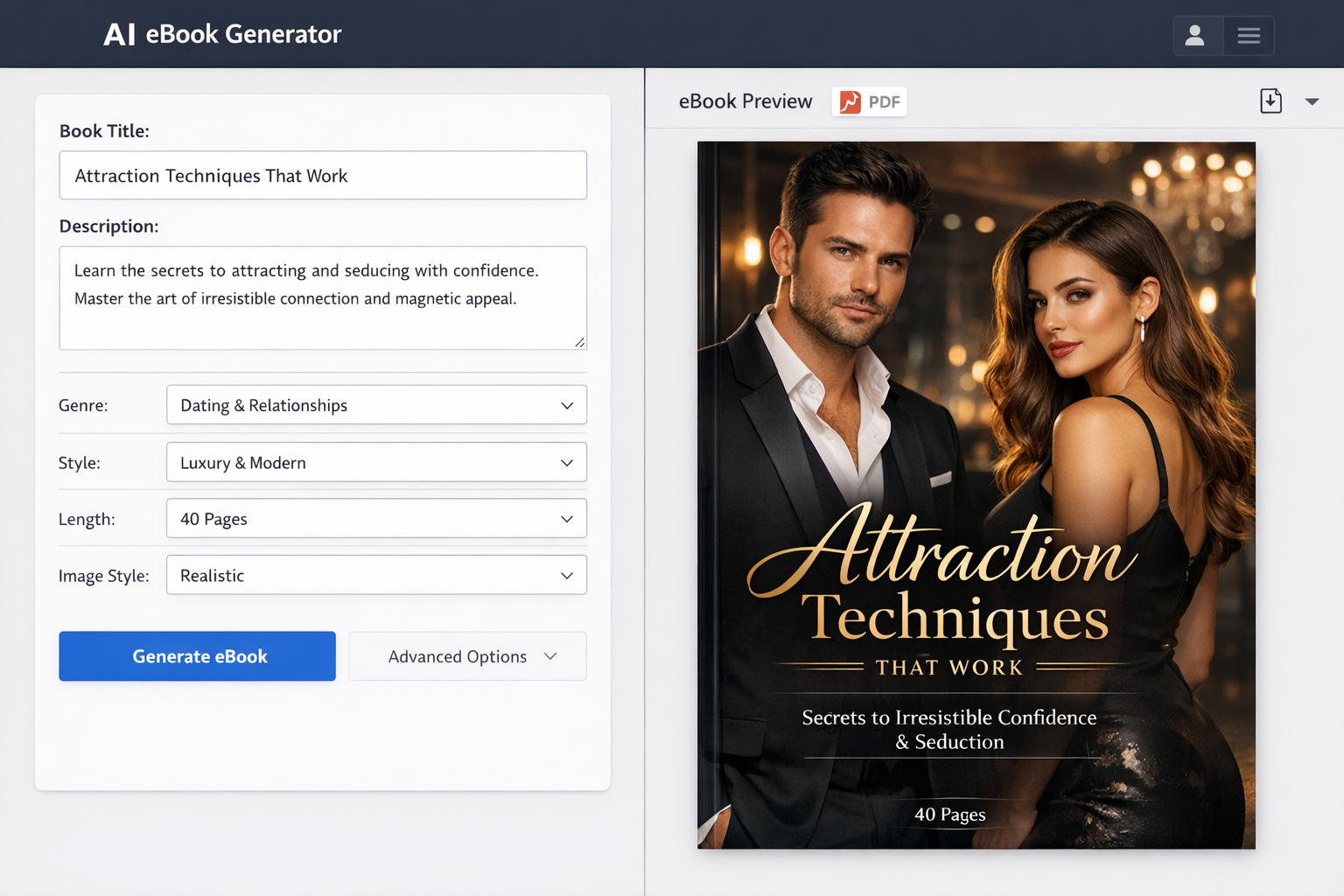
If you aren’t a designer, consider using services like Makeebook to create attractive covers or browse affordable freelance platforms. Remember, a high-quality cover communicates professionalism and entices readers to click.
Setting Up Your Amazon KDP Account
Creating an Account
To publish on Amazon KDP, you need an Amazon account. Visit kdp.amazon.com and sign in with your existing Amazon credentials or create a new account dedicated to your publishing business.
During registration, you’ll provide personal information, including your name, email, and address. Amazon may require identity verification to comply with tax laws and payment processing.
Understanding Tax and Payment Settings
Setting up your payment and tax information correctly is critical to receiving royalties. KDP supports direct deposit payments in many countries, and you’ll need to complete a tax interview to submit your tax classification and withholding information.
Amazon pays royalties monthly, approximately 60 days after the end of the month in which your sales are reported. Make sure your banking details are accurate to avoid payment delays.
Uploading Your eBook to Amazon KDP
Starting a New Kindle eBook Project
Once your account is ready, log in to the KDP dashboard and click “Create a New Kindle eBook.” Select “Kindle eBook” as your book type and begin the publishing workflow.
Entering Book Details
- Title and Subtitle: Enter your book title exactly as you want it to appear. Add a subtitle if applicable.
- Series Information: If your book is part of a series, include the series name and volume number to help readers find related titles.
- Author and Contributor Details: Add yourself as the author, and include any contributors such as editors or illustrators.
- Book Description and Keywords: Write a compelling description using relevant keywords to improve your book’s discoverability on Amazon search. Use natural language to entice readers.
- Categories and Genres: Choose up to two categories that best fit your book’s content. Selecting the right categories helps you reach your target audience more effectively.
Uploading Manuscript and Cover
Upload your formatted manuscript file and cover image on the respective upload pages. KDP accepts DOCX, EPUB, and MOBI for manuscripts, and JPEG or TIFF for covers.
After uploading, use the Kindle Previewer tool integrated within KDP to review how your eBook will appear on different Kindle devices. This step is essential to catch formatting issues before publishing.
Setting Pricing and Distribution
Choosing Your Royalty Plan
KDP offers two royalty options: 35% and 70%. The 70% royalty is available if your eBook is priced between $2.99 and $9.99, and meets other eligibility criteria such as availability in certain countries.
The 35% option applies to books priced outside that range or ineligible for 70%. Consider your pricing strategy carefully to maximize earnings.
Setting Your eBook Price
Pricing is both an art and science. Research similar books in your genre to find a competitive price. Many authors start with a lower price to attract readers and increase it later as reviews and sales build.
Remember that different Amazon marketplaces (US, UK, Canada, etc.) allow you to set specific prices per region, optimizing your sales potential worldwide.
Selecting Distribution Channels
By default, your eBook will be available on all Amazon marketplaces. You can also enroll in KDP Select, which grants Amazon exclusive digital rights for 90 days. Benefits include access to Kindle Unlimited readers and promotional tools like Free Book Promotions and Kindle Countdown Deals.
Publishing and Post-Publication Steps
Reviewing and Publishing Your eBook
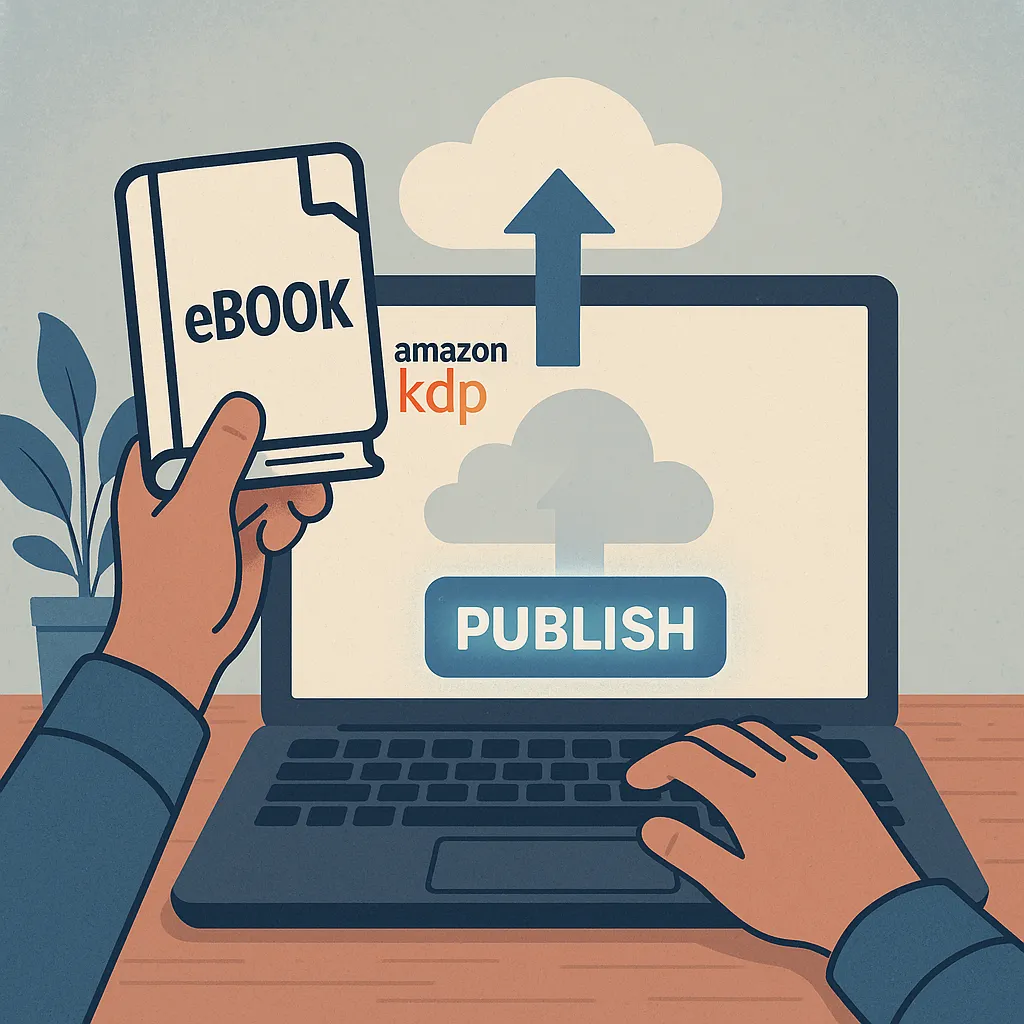
Before hitting “Publish,” double-check all your book details, formatting, and pricing. Once published, Amazon usually makes your eBook available within 24 to 72 hours.
Marketing Your eBook on Amazon
- Optimize Your Book Page: Use compelling descriptions, relevant keywords, and an eye-catching cover to improve conversion rates.
- Amazon Advertising: Consider running Amazon Ads to target potential readers with sponsored product campaigns.
- Promotions and Giveaways: Use KDP Select promotions or external platforms to increase visibility and garner reviews.
Monitoring Sales and Making Updates
Amazon KDP provides detailed sales reports that help you track your book’s performance. Based on feedback or errors discovered post-publication, you can update your manuscript or cover anytime through your KDP dashboard.
Conclusion
Publishing an eBook on Amazon KDP is a straightforward and rewarding process when you follow the right steps. From preparing your manuscript and cover to setting the right price and marketing effectively, this guide has covered everything you need to confidently publish your eBook. Whether you’re a first-time author or an experienced publisher, Amazon KDP empowers you to reach readers worldwide and build your author brand. If you need assistance with cover creation or formatting, platforms like Makeebook can offer great support to enhance your book’s presentation.
Now that you know how to publish an eBook on Amazon KDP, it’s time to take the leap and share your story with the world.
FAQ: Common Questions About Publishing on Amazon KDP
Q: How long does it take for my eBook to go live after publishing?
A: Typically, your eBook will be available on Amazon within 24 to 72 hours after you hit publish.
Q: Can I update my eBook after publishing?
A: Yes, you can upload revised manuscript files or covers anytime through your KDP dashboard.
Q: Do I need an ISBN to publish on KDP?
A: For eBooks, an ISBN is not required. Amazon assigns an ASIN (Amazon Standard Identification Number) automatically.
Q: What are the best file formats for Kindle eBooks?
A: KDP accepts DOCX, EPUB, and MOBI files, with DOCX and EPUB being the most recommended for formatting compatibility.
Q: Is it necessary to enroll in KDP Select?
A: While optional, KDP Select offers promotional advantages and access to Kindle Unlimited subscribers, but requires exclusivity for 90 days.
FAQ
What are the first steps to publish an ebook on Amazon KDP?
To publish an ebook on Amazon KDP, start by creating a KDP account at kdp.amazon.com. Then, prepare your manuscript in a supported format like DOCX or EPUB, design a compelling cover, and gather all necessary book details such as title, author name, and description.
How do I format my ebook for Amazon KDP?
Amazon KDP supports several formats including DOCX, EPUB, and MOBI. It's important to format your manuscript with proper headings, consistent fonts, and no complex layouts. Using tools like Kindle Create can help ensure your ebook looks professional and meets Amazon’s formatting guidelines.
What are the key elements needed when uploading an ebook to Amazon KDP?
When uploading your ebook, you'll need to provide the book title, author name, book description, keywords for search optimization, categories, the ebook file itself, and a cover image. Additionally, set your pricing and royalty preferences before publishing.
How long does it take for an ebook to be published on Amazon KDP?
After submitting your ebook on KDP, it typically takes 24 to 72 hours for Amazon to review and publish your book. Once approved, your ebook will be available for purchase on Amazon’s Kindle store.
Can I update my ebook after publishing on Amazon KDP?
Yes, Amazon KDP allows authors to update their ebook files, cover images, and book details at any time. After making changes, the updated version usually goes live within 24 to 72 hours, ensuring your readers always have access to the latest edition.