Top Free Ebook Reader Apps for Android in 2024
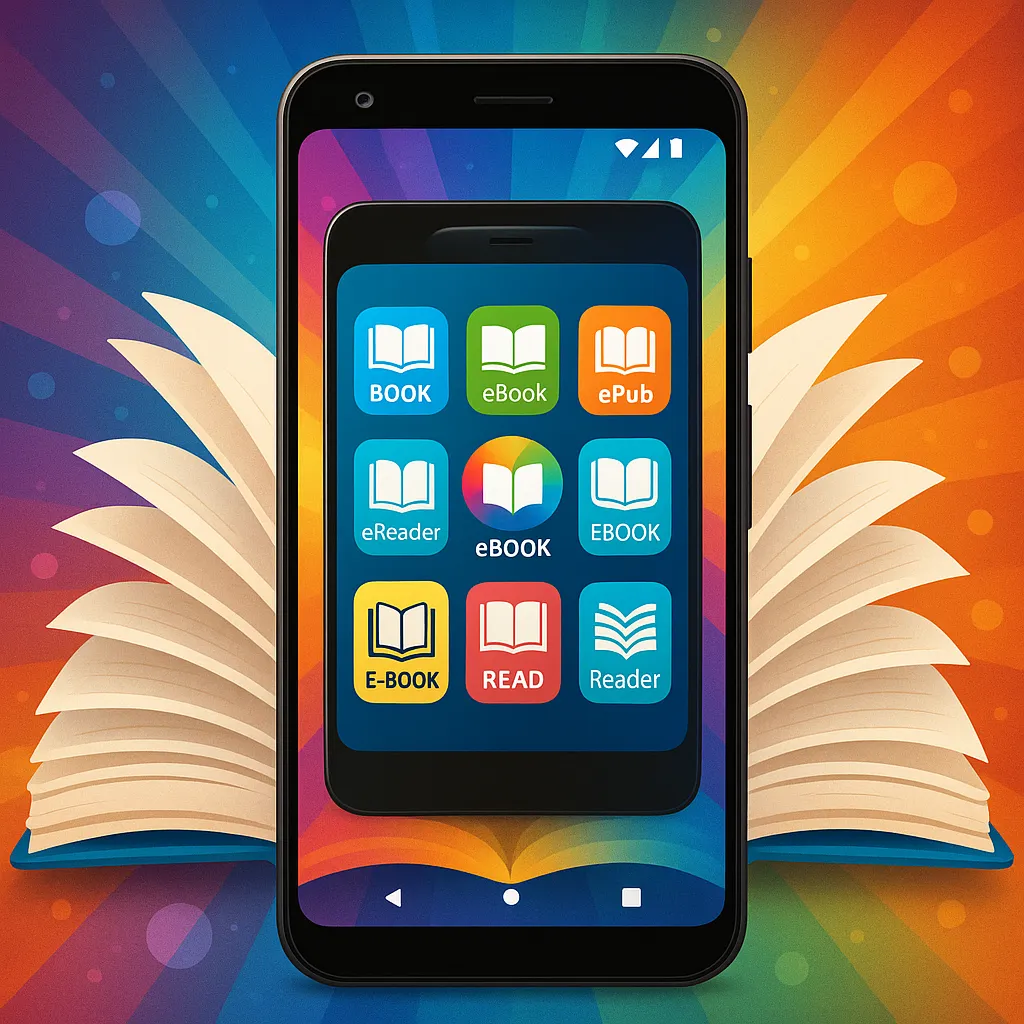
Ebook reading has become a favorite pastime for millions of Android users worldwide. Whether commuting, relaxing at home, or studying on the go, having the right ebook reader app can transform your reading experience. With so many options available on the Google Play Store, choosing the best free ebook reader app for Android can be challenging.
In this article, we'll explore the essential features to look for in an ebook reader app and present a carefully curated list of the top free ebook reader apps for Android in 2024. Whether you prefer customization, simplicity, or integration with a vast library, there's an app here for you.
Key Features to Look for in Ebook Reader Apps
Supported Ebook Formats
One of the first things to consider is the range of ebook formats the app supports. Common formats include EPUB, PDF, MOBI, AZW, and TXT. An app with broad format compatibility ensures you can read books from various sources without hassle. For example, Amazon Kindle primarily supports AZW and MOBI formats, while many other apps support EPUB and PDF, the most popular open formats.
Customization Options (fonts, themes, brightness)
Reading comfort is crucial, especially during long sessions. Look for apps that offer font customization, adjustable font sizes, line spacing, and margin controls. Themes such as day mode, night mode, and sepia can reduce eye strain. Brightness controls or blue light filters are additional pluses for reading in different lighting conditions.
User Interface and Ease of Use
A clean, intuitive interface makes navigation seamless. Features like easy page-turning, table of contents access, and search functionality enhance usability. Beginners may prefer straightforward apps, while advanced readers might appreciate more detailed controls.
Offline Reading Capability
Many readers enjoy their ebooks in places without internet access, such as during flights or commutes. Ensure your chosen app supports downloading books for offline reading so you’re never without your favorite stories.
Syncing Across Devices
If you read on multiple devices, syncing your progress, bookmarks, and notes is invaluable. Apps integrated into cloud ecosystems or offering their own syncing platforms make this effortless.
Additional Features (dictionary, annotations, text-to-speech)
Extras like built-in dictionaries, annotation tools, highlighting, and text-to-speech can enrich your reading. These features aid comprehension, studying, and accessibility, making the reading experience more interactive and personalized.
Top Free Ebook Reader Apps for Android in 2024
1. Amazon Kindle
Overview and popularity: Amazon Kindle remains one of the most popular ebook reader apps globally, thanks to its vast ebook store and seamless integration with Amazon’s ecosystem.
Supported formats: Primarily AZW, MOBI, PDF, and TXT.
Key features and usability: Kindle offers excellent syncing across devices, customizable fonts and themes, built-in dictionary, and X-Ray for exploring book details. It also supports Audible narration integration for select books.
Pros:
- Access to millions of ebooks in Amazon store
- Seamless syncing and cloud storage
- Multiple customization options
- Annotations and highlights
Cons:
- Limited support for EPUB format
- Requires Amazon account
- Ads in free version for some content
2. Moon+ Reader
Unique features and customization: Moon+ Reader is beloved for its extensive customization options. It offers dozens of themes, font types, and control over page-turning animations.
Supported formats: EPUB, PDF, MOBI, CHM, CBR, CBZ, FB2, TXT, HTML, and more.
User experience: The app is user-friendly but also caters to advanced users with features like auto-scrolling, day/night modes, and gesture controls.
Pros:
- Wide format support
- Highly customizable interface
- Offline dictionary and TTS support
- Syncs reading progress via cloud
Cons:
- Ads in the free version
- Some advanced features require premium upgrade
3. Google Play Books
Integration with Google ecosystem: Google Play Books syncs seamlessly with your Google account, offering a smooth experience for Android users.
Supported formats: EPUB, PDF.
Key functionalities: Besides buying and renting ebooks, the app allows uploading your own books to the cloud for reading anywhere. Features include night mode, bookmarks, and notes.
Pros:
- Easy integration with Google services
- Cloud storage for personal ebooks
- Clean and simple interface
- Good annotation tools
Cons:
- Limited format support
- Customization options are basic
4. Aldiko Book Reader
Interface and ease of use: Aldiko offers a straightforward, elegant reading experience with a user-friendly interface.
Supported formats: EPUB, PDF, and Adobe DRM encrypted books.
Special features: It supports importing your own ebooks, customizable reading settings, and night mode. Aldiko also offers a large catalog of free public domain books.
Pros:
- Simple and clean UI
- Supports DRM-protected books
- Library organization tools
Cons:
- Limited advanced features
- Occasional performance issues on older devices
5. Librera Reader
Versatility and format support: Librera is known for supporting a vast array of formats including EPUB, PDF, MOBI, DJVU, FB2, TXT, and more.
Customization options: The app offers extensive reading modes, font and background color adjustments, and even auto-scrolling.
Additional tools and features: Librera includes a built-in translator, text-to-speech, and advanced annotation capabilities.
Pros:
- Supports over 20 ebook formats
- Highly customizable reading experience
- Free without ads
- Smart library management
Cons:
- Interface can feel cluttered
- Learning curve for new users
6. FBReader
Lightweight and fast: FBReader is a fast, lightweight ebook reader ideal for users who want a no-frills, efficient reading app.
Supported ebook formats: EPUB, MOBI, FB2, RTF, HTML, and plain text.
Features and usability: It offers cloud syncing through third-party services, customizable fonts, and day/night modes.
Pros:
- Minimalistic and fast performance
- Wide range of supported formats
- Cloud syncing via optional plugins
Cons:
- Some features require paid plugins
- Fewer customization options compared to Moon+ Reader or Librera
Comparison Table of Top Free Ebook Reader Apps
| App |
Supported Formats |
Offline Reading |
Customization |
Sync Across Devices |
Additional Features |
User Rating (Google Play) |
App Size (Approx.) |
| Amazon Kindle |
AZW, MOBI, PDF, TXT |
Yes |
Good |
Excellent |
Annotations, X-Ray, Audible |
4.5 |
30 MB |
| Moon+ Reader |
EPUB, PDF, MOBI, CBR, CBZ, FB2, TXT |
Yes |
Excellent |
Good |
Auto-scroll, TTS, Dictionary |
4.4 |
15 MB |
| Google Play Books |
EPUB, PDF |
Yes |
Basic |
Excellent |
Annotations, Cloud Upload |
4.3 |
25 MB |
| Aldiko Book Reader |
EPUB, PDF, DRM |
Yes |
Good |
Basic |
Library management |
4.1 |
20 MB |
| Librera Reader |
EPUB, PDF, MOBI, DJVU, FB2, TXT |
Yes |
Excellent |
Good |
Translator, TTS, Annotations |
4.6 |
18 MB |
| FBReader |
EPUB, MOBI, FB2, RTF, HTML, TXT |
Yes |
Good |
Good (via plugins) |
Cloud sync, Plugins |
4.2 |
10 MB |
How to Choose the Best Ebook Reader App for You
Choosing the right ebook reader app depends on your personal reading habits and preferences. Here are some tips to help you decide:
- Assess your reading habits: If you read mostly ebooks bought from Amazon, Kindle is an obvious choice. For those with diverse ebook collections, apps like Moon+ Reader or Librera are better suited.
- Format compatibility: Make sure the app supports the ebook formats you own or plan to download. Flexibility is key if you use multiple sources.
- User interface preferences: Some readers prefer minimalist designs (FBReader), others want a rich feature set with heavy customization (Moon+ Reader, Librera). Try a few to find what feels comfortable.
- Device performance and app size: If you have an older or low-storage device, a lightweight app like FBReader may be ideal. Heavier apps like Kindle offer more features but require more space.
Tips for Enhancing Your Ebook Reading Experience on Android
- Use night mode and blue light filters: Reduce eye strain during nighttime reading by enabling night mode or using Android’s built-in blue light filter.
- Organize your ebook library: Keep your books sorted by author, genre, or series to find them quickly. Many apps offer library management tools to assist.
- Make use of annotation and highlighting tools: These tools are valuable for students and avid readers to mark important passages or jot down notes.
- Sync bookmarks and notes across devices: Use apps with cloud syncing to pick up right where you left off, regardless of which device you switch to.
For readers interested in creating their own ebooks, tools like Makeebook provide a simple way to convert content into professional-looking ebooks compatible with most readers.
Conclusion
In 2024, Android users have an impressive selection of free ebook reader apps, each catering to different needs. Amazon Kindle shines with its extensive store and syncing capabilities, while Moon+ Reader and Librera offer unmatched customization and format support. Google Play Books integrates well with the Google ecosystem, and Aldiko and FBReader provide reliable, easy-to-use alternatives.
We recommend trying a few of these apps to find the one that best fits your reading style. With the right ebook reader app, your Android device can become a portable library that’s both enjoyable and convenient.
As ebook technology evolves, we can expect even more features and improvements, making digital reading more immersive and accessible for everyone.
Additional Resources
For free ebooks, consider popular sources such as Project Gutenberg, Open Library, and ManyBooks. These sites offer thousands of public domain titles compatible with most ebook readers.
FAQs about Ebook Reader Apps on Android
- Q: Are these ebook reader apps really free?
A: Yes, all the apps listed offer free versions with essential features. Some offer premium upgrades for additional functionality.
- Q: Can I read PDFs on all these apps?
A: Most apps support PDF format, but performance varies. Moon+ Reader and Librera handle PDFs very well.
- Q: Do I need an internet connection to read ebooks?
A: No, once ebooks are downloaded, you can read them offline on all these apps.
- Q: Can I import my own ebooks?
A: Yes, all apps except Kindle allow importing personal ebook files easily.