Top 10 Best Apps to Read eBooks Offline in 2024
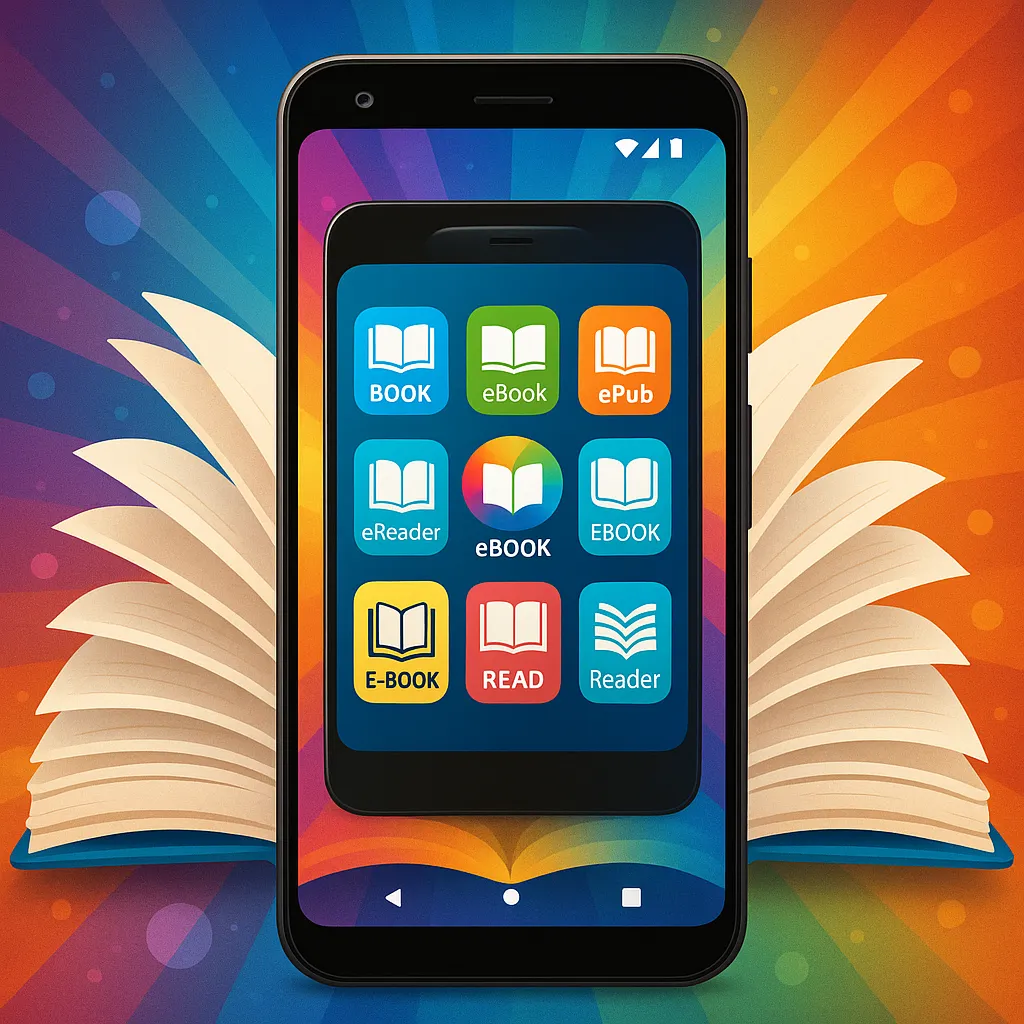
eBooks have revolutionized the way we consume literature, information, and entertainment. With millions of titles available at our fingertips, reading digitally has never been more popular. However, internet access isn’t always guaranteed—whether you're traveling, commuting, or simply want to save on data usage. That’s why having the right offline eBook reader app is essential.
In this article, we’ll explore the best apps to read eBooks offline in 2024. From popular giants like Kindle and Google Play Books to versatile readers like Moon+ Reader and Aldiko, you’ll find options tailored to different devices, formats, and reading preferences. Plus, we’ll share tips on choosing the perfect app and optimizing your offline reading experience.
Why Choose Offline eBook Reading Apps?
Benefits of Offline Reading
- No internet dependency: Enjoy your favorite books anytime, anywhere, without worrying about connectivity.
- Saves mobile data: Download books once and read them without consuming additional data, perfect for limited data plans.
- Better reading experience in low connectivity areas: Whether underground, on a flight, or in remote locations, offline reading keeps your library accessible.
Features to Look for in Offline eBook Apps
- Supported file formats: Compatibility with common eBook formats like ePub, PDF, MOBI, and more ensures flexibility.
- User interface and customization options: Adjustable fonts, themes, and layouts make reading comfortable for long sessions.
- Library management: Easy organization with collections, tags, and search features improves usability.
- Syncing capabilities: While offline use is key, apps that sync progress across devices enhance convenience.
- Annotation and bookmarking features: Highlighting, notes, and bookmarks enrich the reading experience, especially for study or research.
Criteria for Selecting the Best Offline eBook Reading Apps in 2024
Compatibility with Devices and Operating Systems
Your choice depends on whether you use Android, iOS, Windows, or macOS. The best apps offer cross-platform support or at least cover your primary device.
Supported eBook Formats (ePub, PDF, MOBI, etc.)
Different apps support different formats. For instance, Kindle prefers MOBI/AZW, while others like Aldiko favor ePub. Consider the formats you use or plan to download.
User Experience and Interface
Intuitive navigation, customizable reading settings, and smooth performance contribute to a satisfying reading experience.
Additional Features (Dictionary, Text-to-Speech, etc.)
Extras like built-in dictionaries, text-to-speech, night mode, and annotation tools can significantly enhance usability.
Price and Availability
Most apps are free with optional in-app purchases or premium versions. Make sure the app fits your budget and doesn’t compromise on essential features.
Top 10 Best Apps to Read eBooks Offline in 2024
1. Kindle
Overview and Key Features: Amazon’s Kindle app is one of the most popular eBook readers worldwide. It offers seamless integration with the Kindle Store, Whispersync sync across devices, customizable reading settings, and built-in dictionary support.
Offline Reading Capabilities: Books can be downloaded to your device for offline access at any time. Once downloaded, you don’t need internet to read or annotate.
Supported Formats: Primarily supports Amazon’s proprietary formats (AZW, MOBI), as well as PDF.
Pros:
- Huge library and store integration
- Excellent syncing and annotation features
- Customizable reading experience
Cons:
- Limited support for non-Amazon formats
- Proprietary ecosystem may restrict file sharing
2. Google Play Books
Overview and Key Features: Google Play Books offers a vast selection of titles and supports both purchases and uploads of personal eBooks. It includes features such as reading progress sync, dictionary, and night mode.
Offline Reading Capabilities: Users can download books for offline use easily, making it convenient for travel or data saving.
Supported Formats: PDF and ePub.
Pros:
- Supports uploading personal eBooks
- Cross-platform availability
- Clean and simple interface
Cons:
- Requires Google account
- Limited advanced customization
3. Moon+ Reader
Overview and Key Features: Popular among Android users, Moon+ Reader offers extensive customization, including fonts, colors, margins, and animations. It also has gesture controls, text-to-speech, and support for online libraries.
Offline Reading Capabilities: Fully supports offline reading with local file imports and library management.
Supported Formats: ePub, PDF, MOBI, CHM, CBR, CBZ, and more.
Pros:
- Wide format support
- Highly customizable
- Powerful library management
Cons:
- Ads in free version
- Some users find interface overwhelming
4. Aldiko Book Reader
Overview and Key Features: Aldiko is a versatile eBook reader with a focus on simplicity and ease of use. It supports DRM-protected books, customizable reading modes, and offers a clean interface.
Offline Reading Capabilities: You can download and store books locally for offline reading without limitations.
Supported Formats: ePub, PDF, and Adobe DRM encrypted books.
Pros:
- Supports DRM-protected content
- Simple, user-friendly design
- Good customization options
Cons:
- Limited to Android devices
- Fewer advanced features compared to some competitors
5. Kobo Books
Overview and Key Features: Kobo Books offers a vast eBook store, reading stats, customizable reading experience, and integration with the Kobo eReader devices.
Offline Reading Capabilities: Books can be downloaded and accessed offline with no restrictions.
Supported Formats: ePub, PDF, and Adobe DRM.
Pros:
- Large store with frequent promotions
- Clean interface with social features
- Good annotation tools
Cons:
- Syncing limited to Kobo ecosystem
- Some features require account login
6. Bluefire Reader
Overview and Key Features: Bluefire Reader is known for supporting Adobe DRM content, making it ideal for users borrowing library books or purchasing from DRM-enabled stores. It offers annotation, bookmarking, and customizable reading options.
Offline Reading Capabilities: Full offline support for downloaded books.
Supported Formats: ePub, PDF (including DRM protected).
Pros:
- Excellent DRM support
- Clean, simple UI
- Annotations and bookmarks
Cons:
- Limited to iOS and Android
- No proprietary store integration
7. PocketBook Reader
Overview and Key Features: PocketBook Reader supports a broad range of formats, cloud syncing, text-to-speech, and a smart library organization system. It also offers customizable reading modes.
Offline Reading Capabilities: Users can download and read books offline without hassle.
Supported Formats: PDF, ePub, MOBI, DJVU, FB2, and more.
Pros:
- Supports many formats
- Cloud sync and backup options
- Text-to-speech support
Cons:
- Interface can be complex for beginners
- Some features require sign-in
8. FBReader
Overview and Key Features: FBReader is a lightweight, open-source app that supports multiple file formats and offers customizable reading settings, including font size, background colors, and margins.
Offline Reading Capabilities: Perfect for offline use with local file access and no internet needed for reading.
Supported Formats: ePub, MOBI, FB2, RTF, HTML, and more.
Pros:
- Open-source and ad-free
- Wide format support
- Easy library management
Cons:
- Advanced features require plugins or paid version
- Minimalist design may lack polish
9. Nook
Overview and Key Features: Barnes & Noble’s Nook app features a large bookstore, social sharing options, night mode, and adjustable text settings. It syncs reading progress with Nook devices.
Offline Reading Capabilities: Downloaded books remain accessible offline for uninterrupted reading.
Supported Formats: ePub, PDF.
Pros:
- Good bookstore selection
- Syncs across devices
- Clean, user-friendly interface
Cons:
- Primarily tied to Barnes & Noble’s ecosystem
- Limited format support
10. Librera Reader
Overview and Key Features: Librera Reader is an all-in-one app supporting dozens of eBook and document formats. It offers extensive customization, text-to-speech, night mode, and advanced library management.
Offline Reading Capabilities: Designed with offline reading in mind, it provides smooth access to locally stored books.
Supported Formats: PDF, ePub, MOBI, DJVU, TXT, and many more.
Pros:
- Supports an extensive list of formats
- Highly customizable interface
- Open-source with no ads
Cons:
- Interface might be overwhelming for new users
- Limited official support
How to Choose the Right Offline eBook Reading App for You
Assessing Your Reading Habits and Preferences
Consider how often you read, your preferred genres, and whether you annotate or highlight. Some apps cater better to casual reading while others excel at academic or research use.
Device and Format Compatibility
Your device’s operating system and the formats you use most often should guide your choice. If you use Makeebook or similar platforms, ensure the app supports the exported file types.
Budget Considerations
Many apps are free, but premium versions offer extra features. Decide whether you need those advanced options or if a free app suffices.
Trying Free Versions Before Buying
Most apps offer free trials or versions. Test a few to find the one you feel most comfortable with before committing.
Tips for Optimizing Your Offline eBook Reading Experience
Managing Storage Space
Download only the books you plan to read soon and regularly delete completed titles to save storage.
Organizing Your eBook Library
Use collections, tags, or folders within your app to keep your library tidy and easy to navigate.
Using Annotations and Bookmarks Effectively
Take advantage of note-taking and bookmarking to mark important passages or keep track of your reading progress.
Keeping Your Apps Updated
App updates often fix bugs and add new features, so keep your reader up to date for the best experience.
Conclusion
Offline eBook reading apps have become indispensable tools for readers worldwide. They offer freedom from internet dependency, save data, and provide a comfortable and customizable reading experience. Whether you prefer Amazon’s Kindle, Google Play Books, or versatile apps like Moon+ Reader and Librera Reader, there’s an option tailored for every reader’s needs.
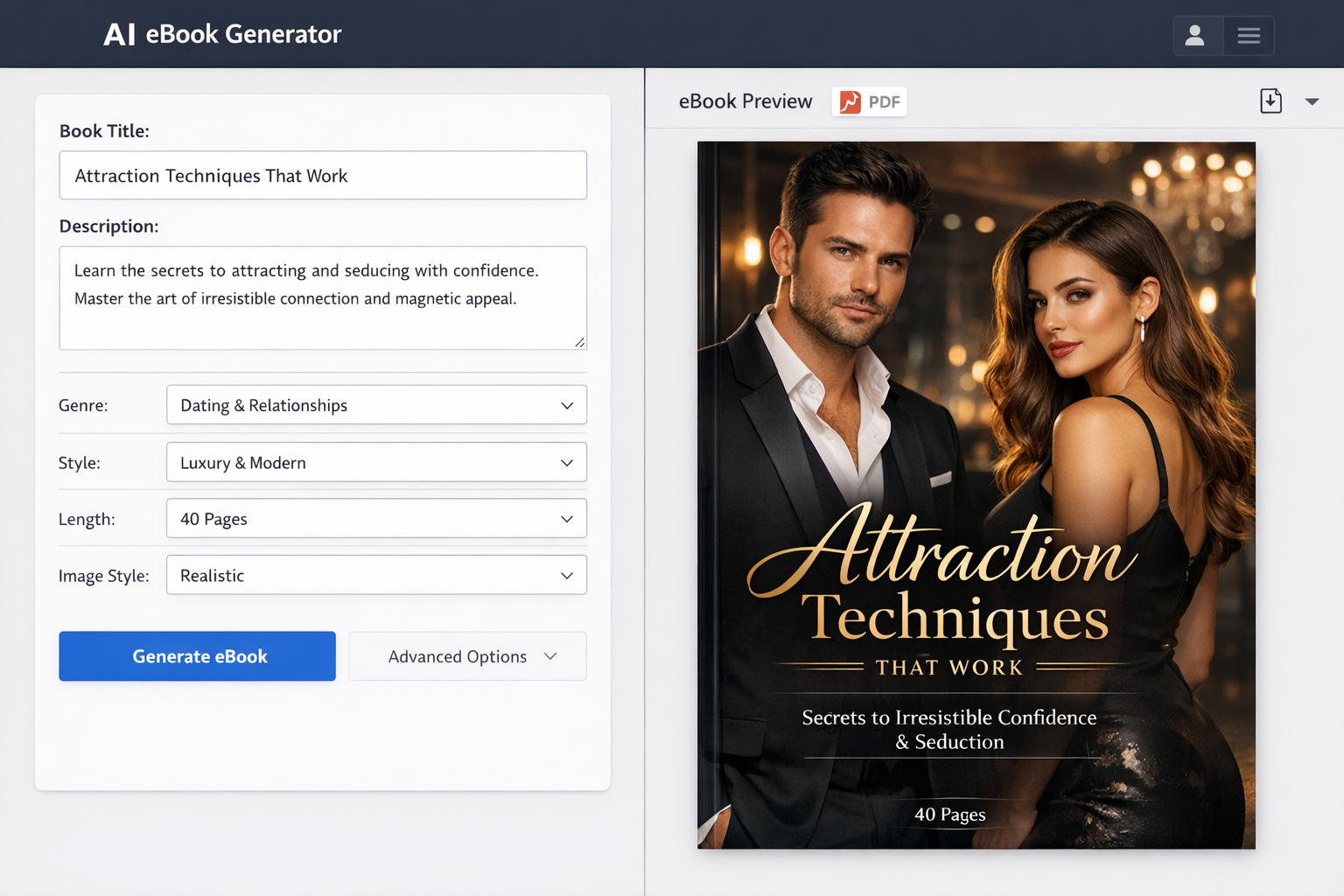
Don’t forget to explore Makeebook for creating your own eBooks, which can be read offline conveniently using many of these apps. We encourage you to try out the recommended apps and find the one that fits your lifestyle best. Feel free to share your experiences or suggest other great offline eBook readers in the comments!