How to Design an Ebook Cover for Free: A Step-by-Step Guide
Introduction
In today’s competitive digital publishing world, a professional and attractive ebook cover can make all the difference. Your ebook cover is often the first impression potential readers get, and it can influence their decision to buy or download your book. Fortunately, you don’t need to hire an expensive designer to create a stunning cover. With the right approach and free tools, you can design a high-quality ebook cover yourself.
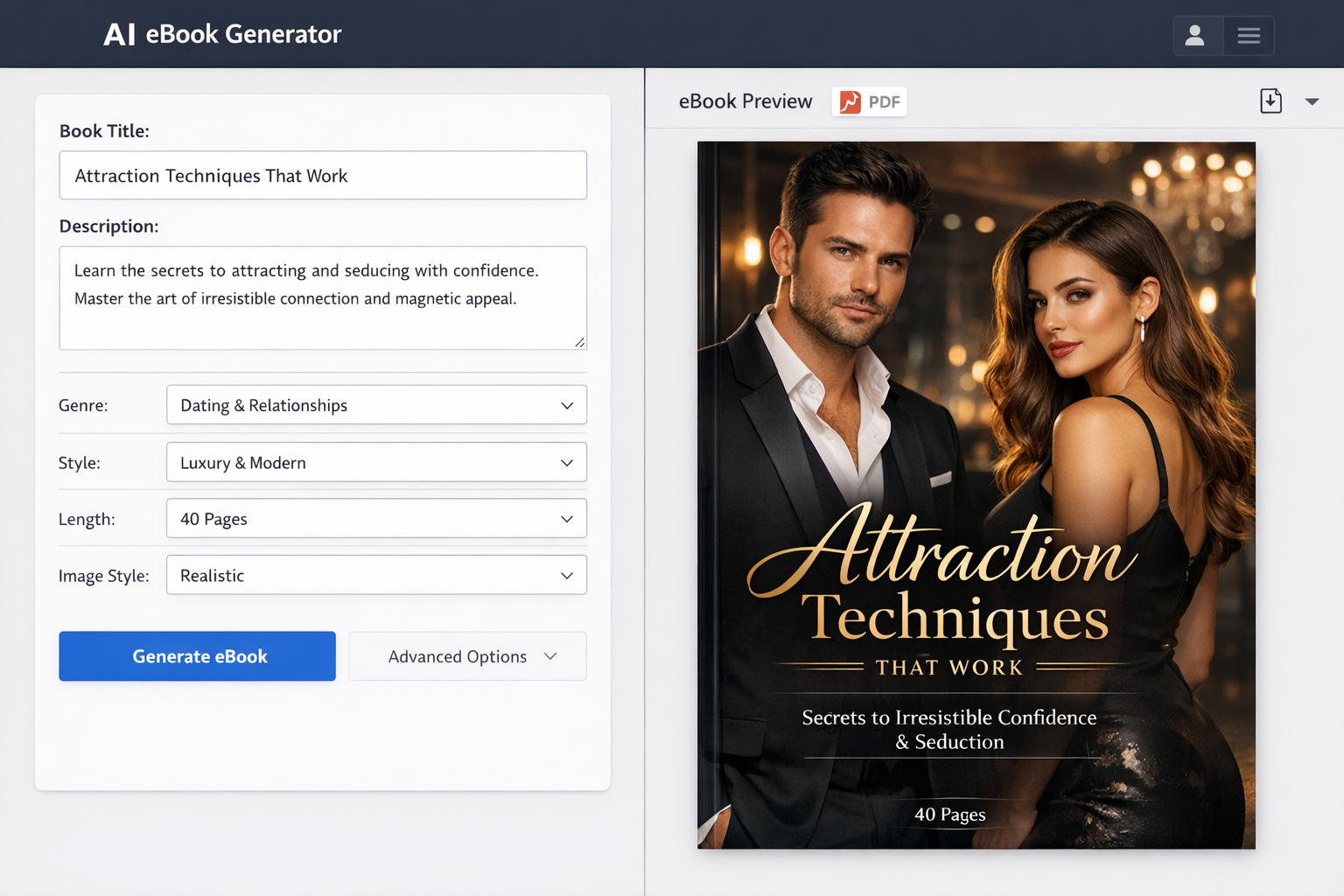
This guide will walk you through the entire process — from understanding the basics of ebook cover design to finalizing and uploading your cover. Whether you’re a first-time author or looking to refresh your ebook’s look, you’ll find practical tips and resources here, including a mention of Makeebook, a useful platform for ebook creation and cover design.
Understanding the Basics of Ebook Cover Design
Why a Good Ebook Cover Matters
Your ebook cover is your book’s visual ambassador. It needs to capture attention in a crowded marketplace and communicate your book’s genre and tone instantly. A well-designed cover builds credibility, encourages clicks, and ultimately boosts sales or downloads. On the other hand, a poorly designed cover can deter even the most interested readers.
Key Elements of an Effective Ebook Cover
- Title and subtitle: These need to be clear, easy to read, and well-placed to grab attention.
- Author name: Your name or pen name should be visible but not overpower the title.
- Imagery and graphics: Use relevant images or illustrations that reflect the story or topic.
- Color scheme and typography: Colors and fonts should suit your genre and appeal to your target audience.
Common Mistakes to Avoid
- Overcrowding the cover with too much text or too many images.
- Using low-quality or pixelated images.
- Choosing fonts that are hard to read, especially at thumbnail size.
- Ignoring genre conventions — readers have expectations based on book category.
- Neglecting contrast, which reduces readability.
Preparing to Design Your Ebook Cover
Define Your Ebook’s Genre and Target Audience
Before designing, be clear about your ebook’s genre — whether it’s romance, thriller, self-help, or business. Each genre has its own visual language and norms. Also, consider who your readers are. Understanding their preferences will guide your design choices and help you create a cover that resonates.
Gather Inspiration and Examples
Browse popular ebook covers in your genre on platforms like Amazon, Apple Books, or Google Play Books. Save covers that catch your eye and note what works — colors, fonts, layout, and imagery. This will help you create a mood board and spark ideas for your own design.
Choose the Right Dimensions and Format
Using the correct dimensions ensures your cover looks professional on all devices and stores.
- Standard ebook cover sizes: The most common size is 1600 x 2560 pixels with a 1.6:1 height-to-width ratio. This size works well on major platforms.
- File formats to use: JPEG and PNG are widely accepted. JPEG is preferred for photographs, while PNG supports transparency if needed.
Free Tools to Design Your Ebook Cover
Overview of Popular Free Design Tools
- Canva: User-friendly with drag-and-drop features, ready-made ebook cover templates, and a large library of free images and fonts.
- Adobe Express: Offers professional templates and easy customization; great for beginners and intermediate designers.
- GIMP: A powerful open-source image editor similar to Photoshop, best for users who want more control over image manipulation.
- Fotor: Simple online editor with templates and quick design options, ideal for fast results.
Pros and Cons of Each Tool
- Canva: Pros: Intuitive, lots of free assets, cloud-based. Cons: Some advanced features require a paid subscription.
- Adobe Express: Pros: Professional templates, good integration with Adobe ecosystem. Cons: Limited offline access.
- GIMP: Pros: Free and powerful, great for detailed editing. Cons: Steeper learning curve, less template support.
- Fotor: Pros: Quick and easy to use. Cons: Fewer customization options and free assets compared to Canva.
Step-by-Step Guide to Designing Your Ebook Cover for Free
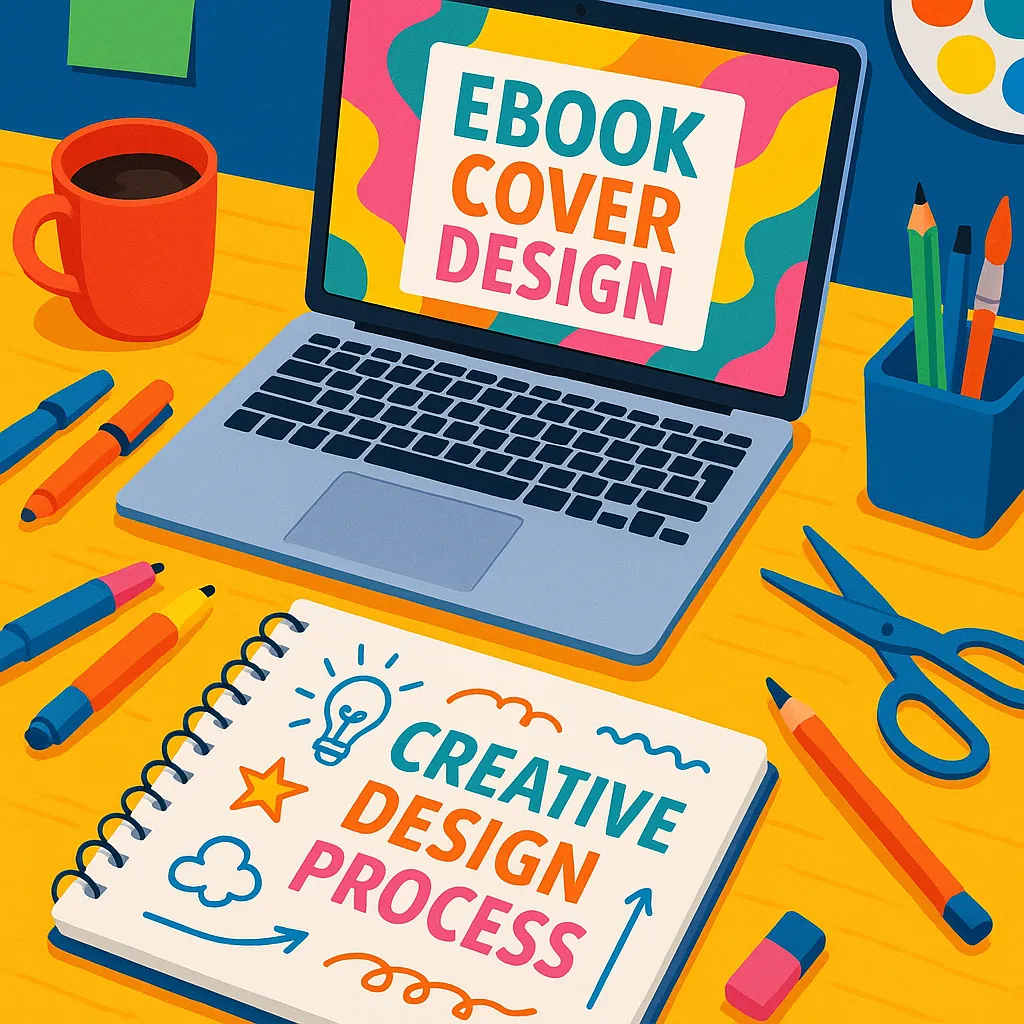
Step 1: Set Up Your Canvas with Correct Dimensions
Open your chosen design tool and create a new project with the standard ebook cover size of 1600 x 2560 pixels. This ensures your cover will display properly on all platforms.
Step 2: Select a Template or Start from Scratch
If you’re new to design, start with a free template that fits your genre to save time and get inspiration. Alternatively, begin with a blank canvas if you want full creative control.
Step 3: Add and Customize Backgrounds or Images
Choose a background that complements your book’s theme. You can use solid colors, gradients, or high-quality photos. Many free tools offer stock photos and graphics—just ensure they are royalty-free or licensed for commercial use.
Step 4: Insert and Style Your Title and Subtitle Text
Type your ebook’s title and subtitle, then experiment with fonts and sizes. Keep the title prominent and easy to read, even in thumbnail size. Play with spacing and alignment to balance the layout.
Step 5: Add Author Name and Other Details
Include your author name clearly but avoid making it larger than the title. You can also add a tagline, series name, or publisher logo if relevant.
Step 6: Apply Color Schemes and Fonts that Match Your Genre
Choose colors that evoke the right mood — for example, dark and bold for thrillers, soft pastels for romance, or bright and clean for business books. Select fonts that suit your genre but prioritize readability.
Step 7: Use Design Elements and Effects to Enhance Visual Appeal
Add simple shapes, lines, or icons to highlight text or create visual interest. Be careful not to clutter the cover. Subtle shadows, overlays, or filters can add depth and polish.
Step 8: Review and Get Feedback
Step back and look at your design at full size and as a thumbnail. Share it with friends, writing groups, or your target audience and ask for honest feedback. Adjust based on their insights.
Step 9: Export Your Ebook Cover in the Correct Format
Save your final design as a JPEG or PNG file. Ensure it meets size requirements for your ebook platform — usually under 5MB. Keep a high-resolution copy for future edits.
Tips to Make Your Ebook Cover Stand Out
Keep It Simple and Clear
A clutter-free cover is easier to understand at a glance. Focus on one or two main visual elements and clear text hierarchy.
Use High-Quality Images and Graphics
Blurry or pixelated images look unprofessional. Use high-resolution photos or vector graphics that scale well.
Maintain Consistency with Your Brand or Series
If your ebook is part of a series, keep design elements consistent across all covers to build recognition.
Test How It Looks in Thumbnail Size
Most readers will see your cover as a small thumbnail on devices or online stores. Make sure the title is legible and the design remains impactful at small sizes.
Use Contrast to Improve Readability
Contrast between text and background colors ensures your title and author name stand out clearly.
Finalizing and Uploading Your Ebook Cover
Check File Size and Quality Requirements for Ebook Platforms
Different ebook stores have their own guidelines. For example, Amazon Kindle Direct Publishing recommends a minimum of 2560 pixels tall and a color profile of RGB. Keep file sizes optimized for fast loading without losing quality.
How to Upload Your Cover to Popular Ebook Stores (Kindle, Apple Books, etc.)
Once your cover file is ready, log into your publishing platform and upload it during your ebook submission or update process. Most platforms preview the cover so you can confirm it displays correctly.
Updating Your Ebook Cover After Publication
If you want to refresh your cover later, you can upload a new design through your publishing dashboard. Keep in mind that changes may take time to appear across stores.
Conclusion
Designing an ebook cover for free is achievable with patience, creativity, and the right tools. By understanding essential design principles, preparing thoughtfully, and following a clear step-by-step process, you can create a cover that attracts readers and represents your book well. Don’t hesitate to experiment and seek feedback to improve your design over time.
Platforms like Makeebook can also assist you in creating your ebook and cover, offering additional resources for authors on a budget. With the resources and tips provided here, you’re well on your way to crafting a professional-looking ebook cover without spending a dime.
FAQ
Can I use copyrighted images for free ebook covers?
No. To avoid legal issues, only use images that are royalty-free, in the public domain, or licensed for commercial use. Many design tools provide free image libraries with proper licenses.
What fonts are best for ebook covers?
Fonts that are clear, legible, and suit your genre work best. Sans-serif fonts often look clean and modern, while serif fonts can convey tradition or romance. Avoid overly decorative fonts that reduce readability, especially in small sizes.
How often should I update my ebook cover?
Update your cover if your branding changes, the design feels outdated, or if you’re targeting a new audience. While it’s not necessary to update frequently, refreshing your cover every few years can boost sales and relevance.